
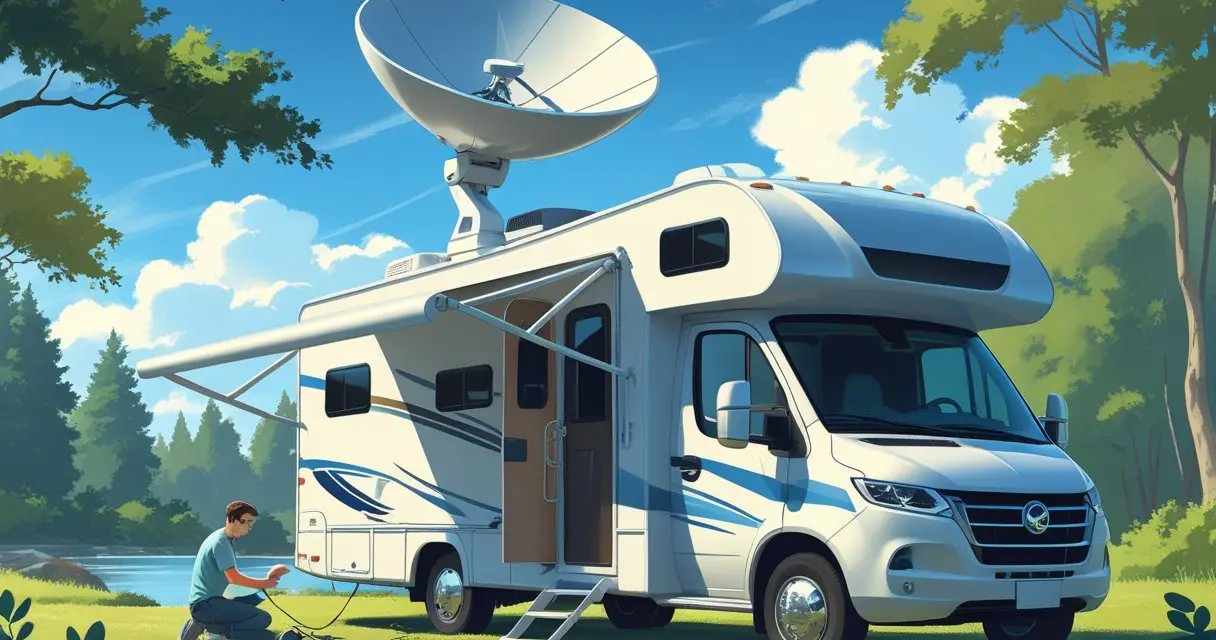
If you’re traveling in an RV and wondering if you can bring your Starlink Residential service along, the answer is simple: you can set it up at a campsite, but it isn’t built for true mobility and comes with restrictions.
Residential service is tied to one fixed address, which means you get higher priority speeds at home but lose that advantage when you move it around.
Starlink now separates home internet from travel internet. Residential plans are meant for one location, while Roam plans are designed for RVs, vans, and nomadic use.
With Roam, you can pause service, use it across borders, and even stay connected while moving if you have the right hardware. That flexibility is why many RV owners switch to Roam instead of trying to stretch a Residential plan.
If you keep a Residential plan in your RV, you may run into slower speeds, connection limits in busy areas, and rules that block in-motion use. Choosing the right plan and equipment matters if you want reliable internet while traveling.
Key Takeaways
- Residential works best at one fixed address with higher priority speeds
- Roam is built for travel, with flexibility and in-motion use
- Using Residential in an RV risks slower speeds and service limits
Starlink Residential vs. Starlink Roam: Key Differences
Starlink offers two main options for home and mobile use. The Residential plan is designed for fixed addresses with higher priority at that location, while the Roam plan is built for travel and flexibility but comes with deprioritized data during busy times.
The differences affect where you can use the service, how fast it performs, and whether you comply with Starlink’s rules.
Service Address and Portability
The Residential plan is tied to a single service address. You register your home location, and Starlink assigns your dish to that specific coverage cell.
If you move, you must update the address in the app, but availability depends on capacity. Some areas may be marked as “sold out,” which blocks new Residential activations until more bandwidth is added.
The Roam plan does not lock you to one location. You can use it at campsites, RV parks, or while traveling across state or national borders.
Roam plans also allow you to pause and resume service, which helps if you only travel seasonally. This flexibility makes Roam more suitable for RV use than Residential.
| Feature | Residential | Roam |
|---|---|---|
| Fixed address required | Yes | No |
| Change address | Possible, capacity-limited | Not required |
| Pause billing | No | Yes |
Network Prioritization and Performance
Starlink manages traffic differently between the two plans. Residential users receive higher priority in their home cell, which usually means steadier speeds during peak hours.
This matters if you rely on video calls, streaming, or online work at a fixed location.
Roam users are deprioritized compared to Residential. When a cell is congested, your speeds may drop, video quality may step down, and latency may increase.
Outside of busy times, Roam can still deliver fast speeds, but you should expect more variation.
Terms of Service and Compliance
Starlink’s rules clearly separate how each plan can be used. Residential service is for stationary use only. Using it on the road or in-motion is against the terms of service and could risk account issues.
It also does not support in-motion use with approved hardware.
Roam service is designed for travel. You can use it while parked or in-motion with the right dish, and you can cross borders for limited periods.
Starlink also places limits on Roam Unlimited users who stay in “sold out” Residential zones for more than 60 days. In that case, you may face restrictions or be asked to change your plan.
These compliance rules are important if you plan to rely on Starlink in your RV. Choosing the correct plan ensures you stay within Starlink’s policies and avoid disruptions.
Using Starlink Residential in an RV: Limitations and Risks
When you try to run Starlink Residential in an RV, you face challenges tied to service reliability, account rules, and network performance. These issues can affect whether your satellite internet works smoothly when you move outside your registered home address.
Potential Service Disruptions
Starlink Residential is designed for a fixed location. If you take the dish on the road, the system may not connect in areas outside your registered service address.
Coverage depends on cell availability. In zones marked as “sold out,” new Residential activations are blocked, and moving your dish there can lead to weak or inconsistent service.
Obstructions like trees or buildings also make RV setups harder. Unlike a stationary home install, you may not always find a clear view of the sky.
Without that, your connection can drop frequently, especially during video calls or streaming.
You should also expect delays when changing your service address. Starlink allows you to update it, but capacity limits mean you might be waitlisted before you can get priority service in a new area.
Violating Starlink’s Terms
The Starlink Residential agreement states that the service is intended for one fixed location. Using it while camping or traveling in an RV goes against those terms.
While many users report success moving their dish, Starlink can technically suspend or limit your account if it detects repeated use outside the assigned address.
This risk increases if you rely on the connection for work or essential communication.
Starlink now separates its offerings clearly. Residential is for stationary use, while Starlink Roam (formerly RV) is the option for mobility.
By using Residential in motion, you place your account in a gray area that may lead to loss of service or forced migration to a different plan.
Deprioritization and Speed Issues
Even if your Residential dish connects away from home, your data may not have the same priority. Starlink gives higher priority to users at their registered address.
When you roam with Residential, your traffic can be deprioritized compared to both local Residential accounts and dedicated Roam plans.
This means slower speeds during peak hours. For example, streaming may drop from HD to lower resolutions, and online gaming may feel laggy.
In congested areas, deprioritization can make your connection unpredictable. You may see download speeds fall well below the typical 100–200 Mbps range that Starlink often delivers at fixed homes.
If you depend on steady performance, these slowdowns can be frustrating.