You travel full time and need a workspace that fits small spaces, keeps your gear safe, and helps you stay productive. This article shows easy, practical ways to turn parts of your RV into a comfortable office so you can work well on the road.
You will learn simple setups and smart gear ideas that make a full-time mobile office feel stable, organized, and efficient.
Would you like to save this article?
You’ll find options for tiny desks, fold-down workstations, clever storage, lighting, and noise control so you can pick ideas that match your van or RV layout and work style. Use these concepts to build a work area that saves space, reduces clutter, and keeps you focused while you travel.
1) Compact L-shaped desk built into slide-out dinette
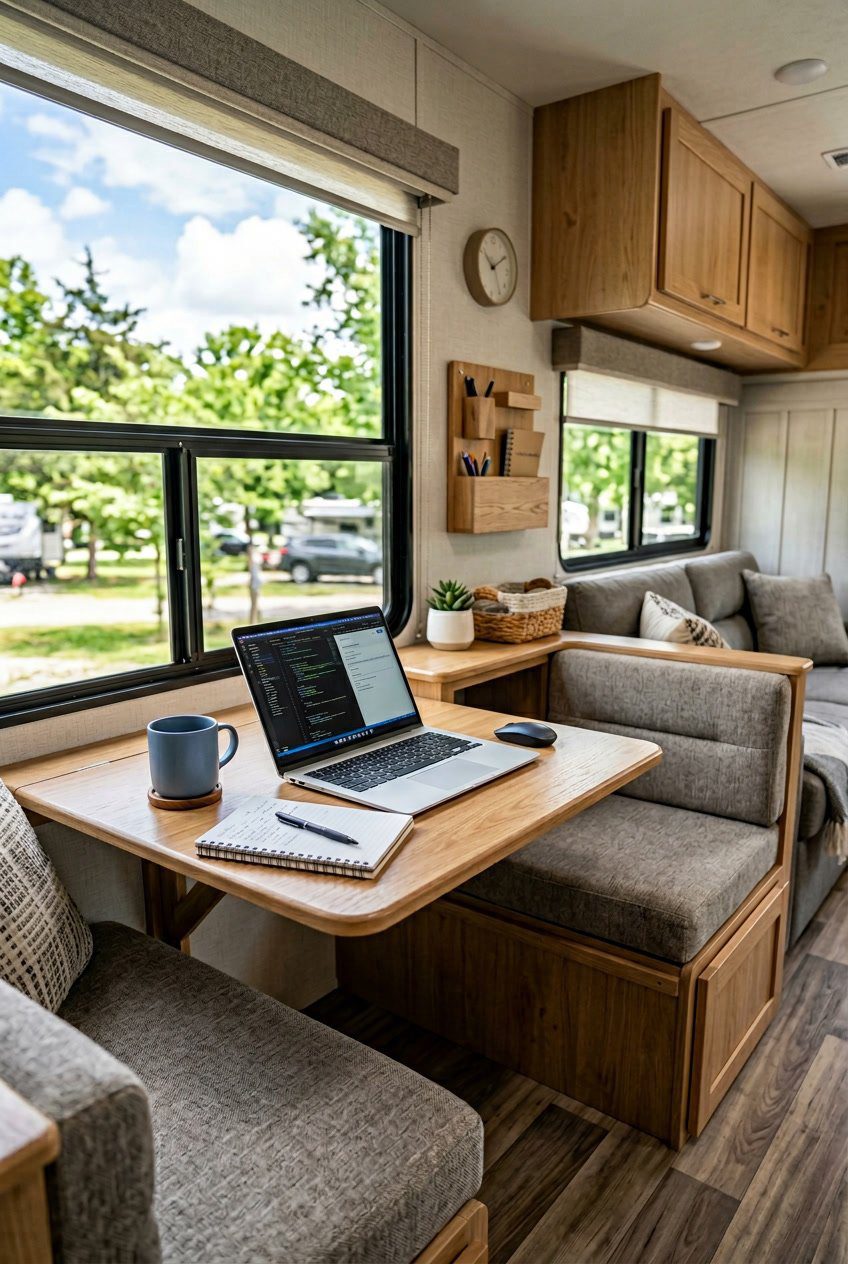
An L-shaped desk in a slide-out dinette gives you two work surfaces in a small area. You can use one side for your laptop and the other for paperwork, a second monitor, or a printer.
The desk folds or tucks into the slide-out when you need the space for dining or guests. That keeps your living area open and makes the workspace feel deliberate, not cluttered.
Build the desk at a comfortable height and add cable holes so cords stay tidy. Choose lightweight materials and secure drawers so things don’t shift while driving.
PRO TIP
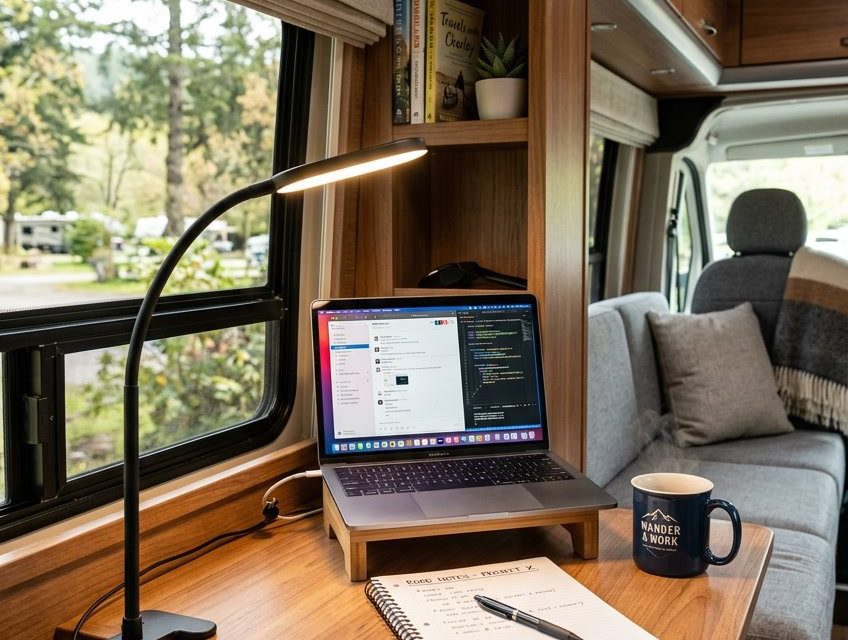
Mount a small LED on a swivel arm for focused light that won’t heat up the space.
2) Fold-down wall-mounted desk with magnetic organizer
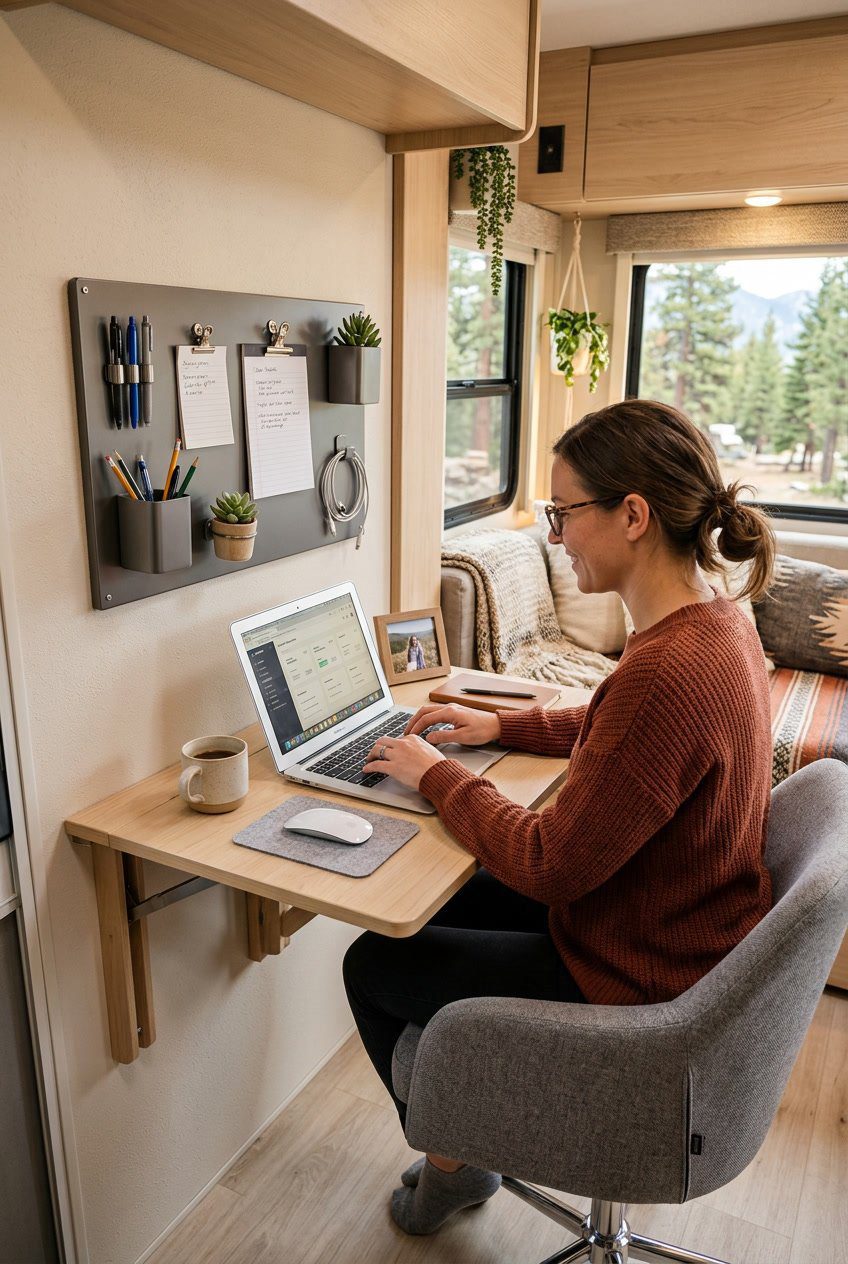
A fold-down wall desk saves floor space and gives you a steady work surface when you need it. You open it, set your laptop, and close it when done. This keeps your RV living area tidy.
Add a magnetic organizer above the desk to hold pens, notes, and small tools. Magnets stick firmly and make items easy to grab. You can change the layout without drilling more holes.
Mount the desk at a comfortable height for your chair or stool. Use strong hinges and secure anchors so it stays stable on bumpy roads. This setup keeps your work area simple and efficient.
PRO TIP
Attach a small strip of non-slip material to the desk edge to keep devices from sliding while you drive.
3) Under-bunk Murphy desk with integrated storage
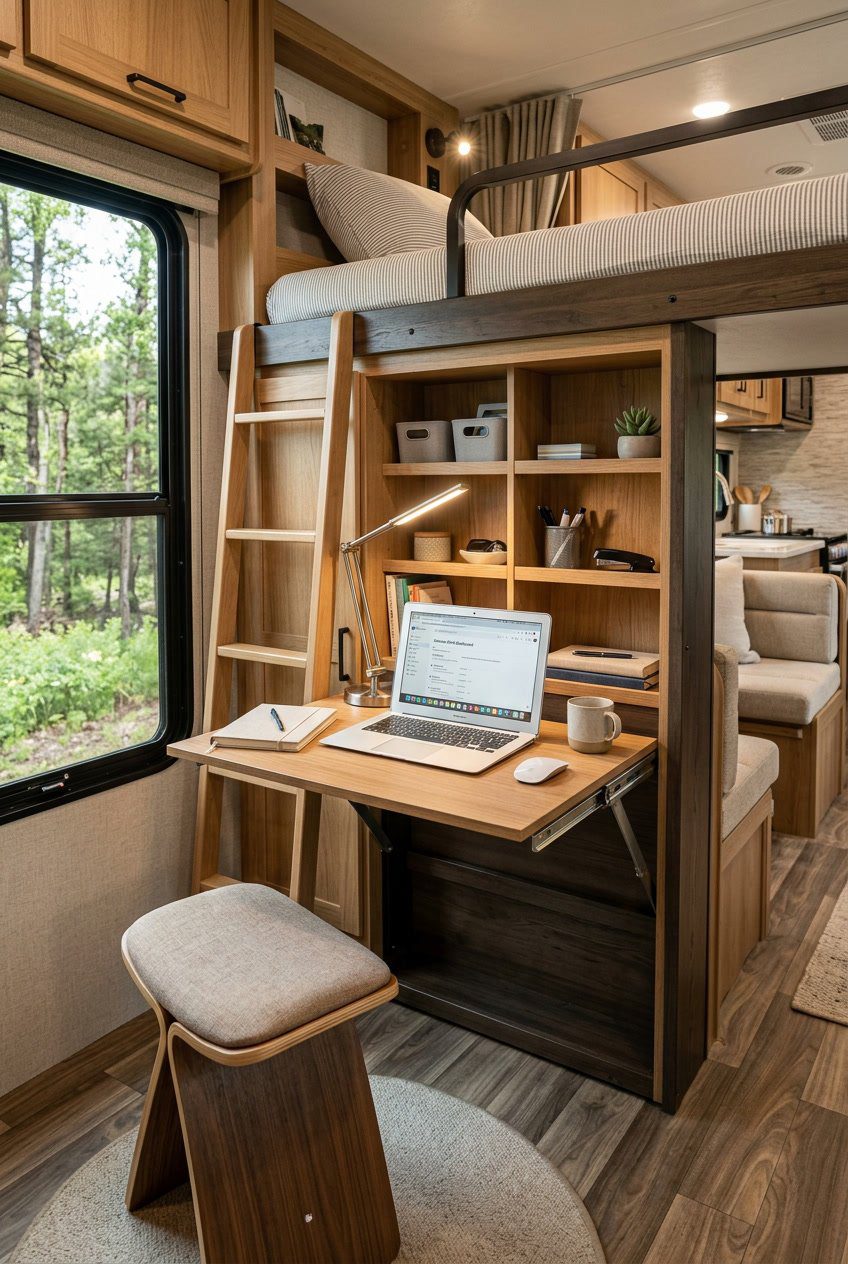
You fold the desk down from under the bunk when it’s time to work. It stays out of the way when you sleep, then becomes a full workspace with room for a laptop and notebook. Integrated shelves and cubbies keep chargers, papers, and small tools within reach.
The desk can include a shallow drawer and vertical slots for files. This uses vertical space well and prevents clutter on the surface. It also makes cleaning fast and keeps your tiny office organized.
PRO TIP
Mount a thin power strip and a cable clip inside the desk frame. Label cords and keep a small LED task light attached to the underside of the bunk for steady, glare-free lighting.
4) Corner floating shelf desk with cable grommet
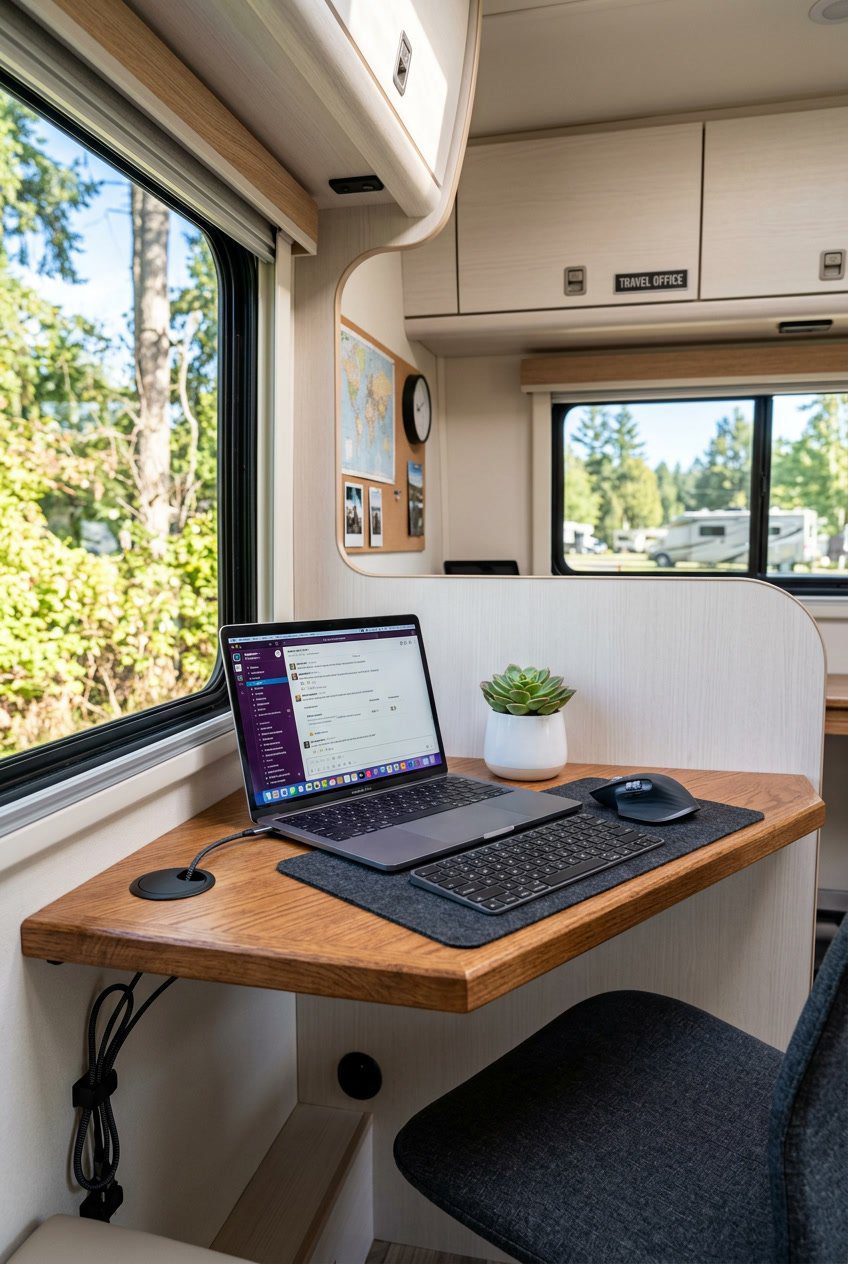
A corner floating shelf desk saves floor space and gives you a tidy work spot. You mount the shelf to two walls, so it stays steady while you type or write.
Pick a shelf deep enough for a laptop and small monitor. The cable grommet keeps cords neat and prevents tangles when you move around.
This setup works well in tiny RV corners or next to a window. Add a small lamp and a slim organizer to keep pens and chargers handy.
PRO TIP
Drill the grommet toward the back corner so cables route out of sight. Use wall anchors rated for your shelf weight to avoid sagging.
5) Convertible sofa-to-desk workstation
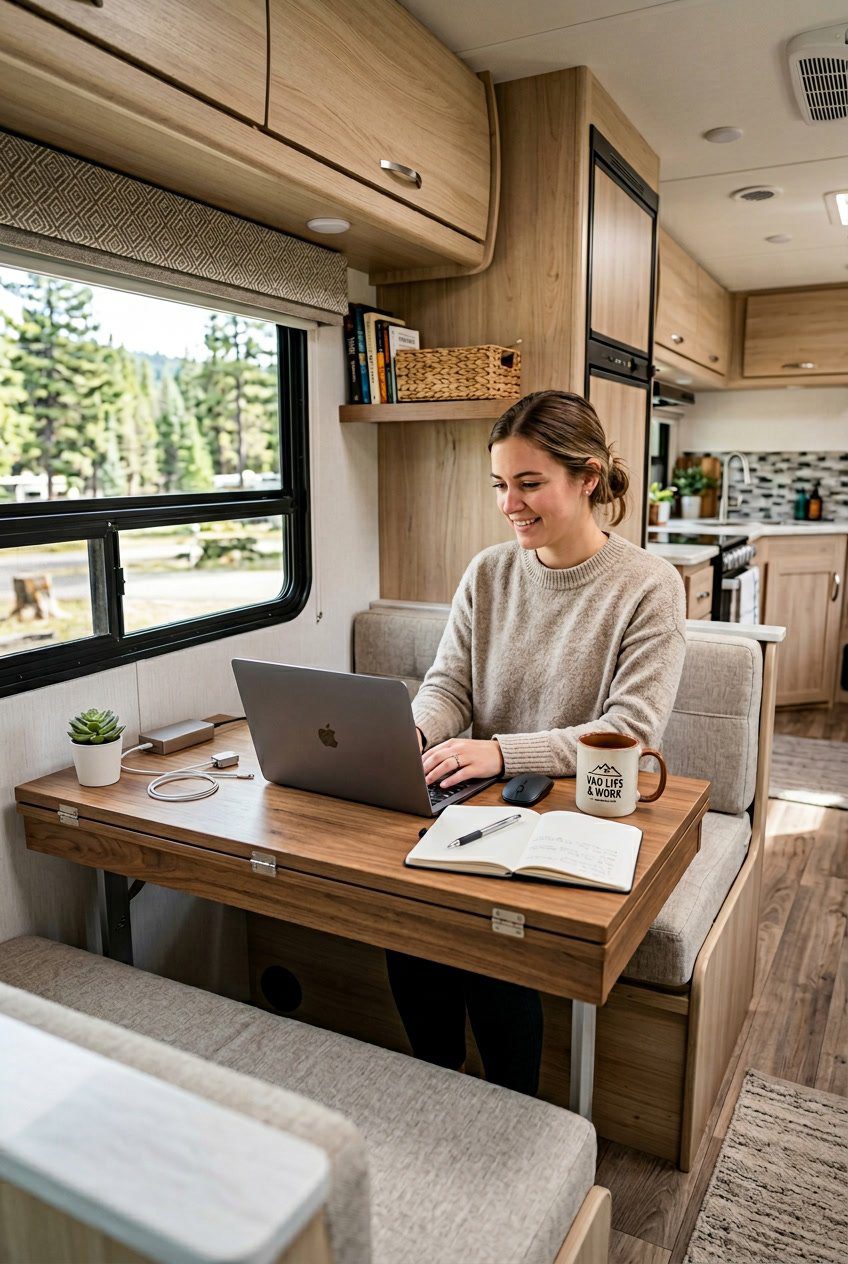
You can turn a small sofa into a work surface when you need it and back into a seat when you’re done. Fold-out panels, a removable tray, or a lap desk let you set up a laptop quickly without losing daily comfort.
Pick cushions and covers that resist spills and wear since RV life is cramped and messy. Keep cables tidy with simple clips and a power strip mounted nearby so you don’t crawl under furniture to plug in devices.
Place a slim organizer next to the sofa for notebooks, pens, and chargers. That keeps your work area neat and makes switching between work and relaxation fast.
PRO TIP
Use a lightweight, lockable tray that clicks into place so your keyboard doesn’t slide when you move.
6) IKEA NORBERG wall-mounted drop-leaf table setup
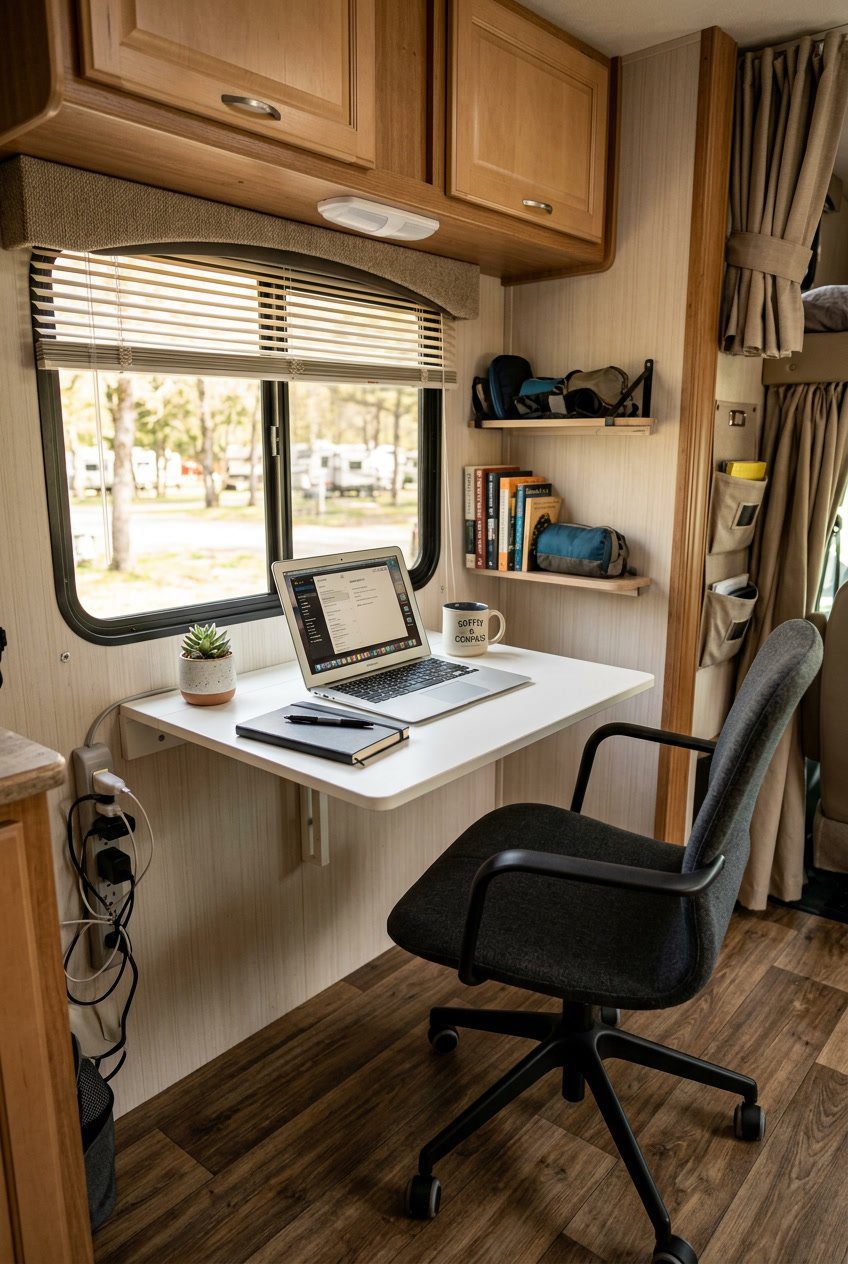
A wall-mounted drop-leaf table saves precious floor space and gives you a clean work surface when you need it. Mount the unit at a height that matches your chair so you get a comfortable posture while typing.
Fold the leaf down when you need more room for a laptop and paperwork. Fold it up against the wall when you need walking space or want to use the area for storage.
Add a slim shelf above for small items like a router, notebook, or a mug. Use adhesive cable clips to keep cords neat and out of the way.
PRO TIP
Choose a light-colored finish to keep the nook bright in small RV cabins.
7) Foldable laptop tray attached to swivel captain’s chair
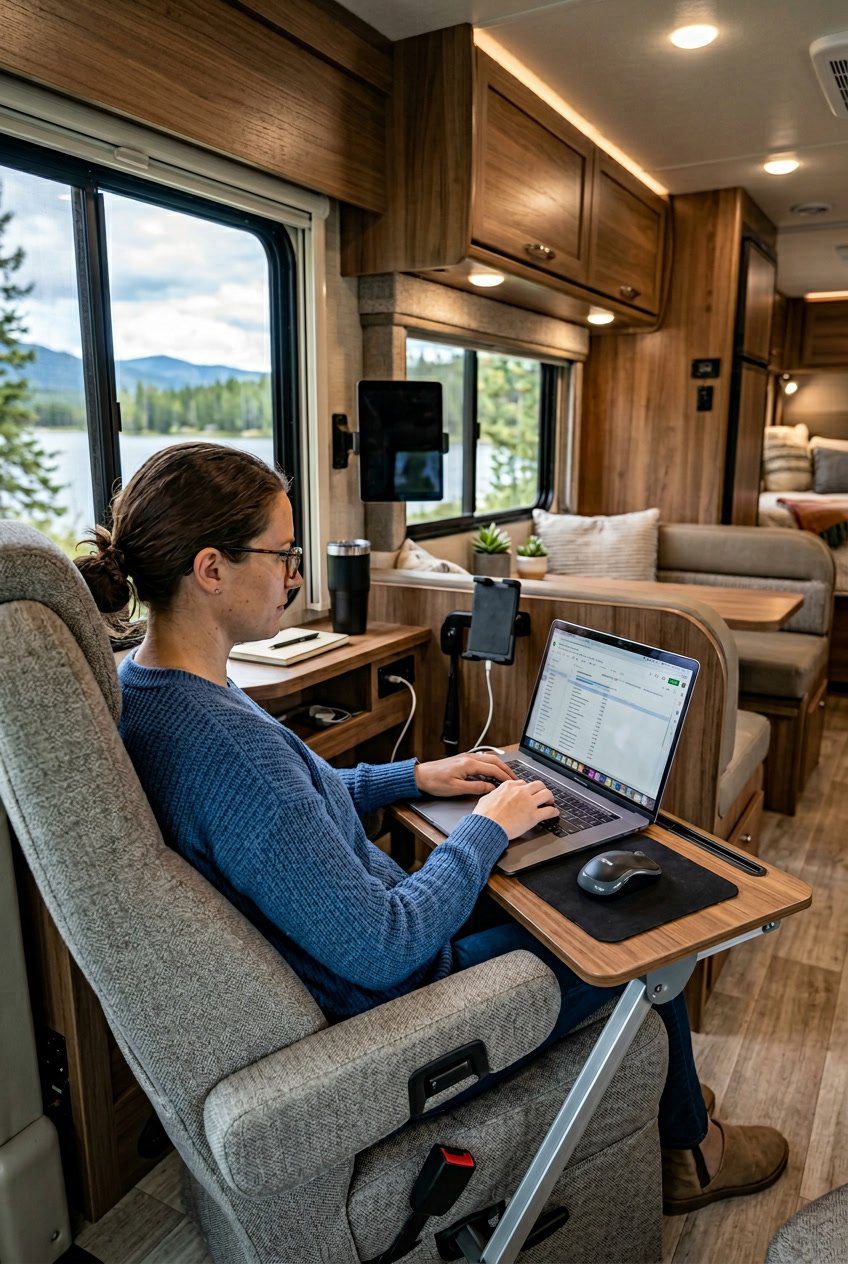
A foldable laptop tray on your swivel captain’s chair gives you a quick, stable workspace. You can fold it away when not in use to save space and keep the RV tidy.
The tray keeps your laptop at a good height so you avoid hunching. It also turns with the chair, so you can face a window or the table without moving the whole desk.
Choose a tray with a locking hinge to stop wobble while driving or typing. Look for a surface that’s easy to clean and has a small lip to prevent your laptop from sliding off.
PRO TIP
Mount the tray where your arm rests naturally. That reduces strain and makes long workdays more comfortable.
8) Built-in bench with hidden file drawers
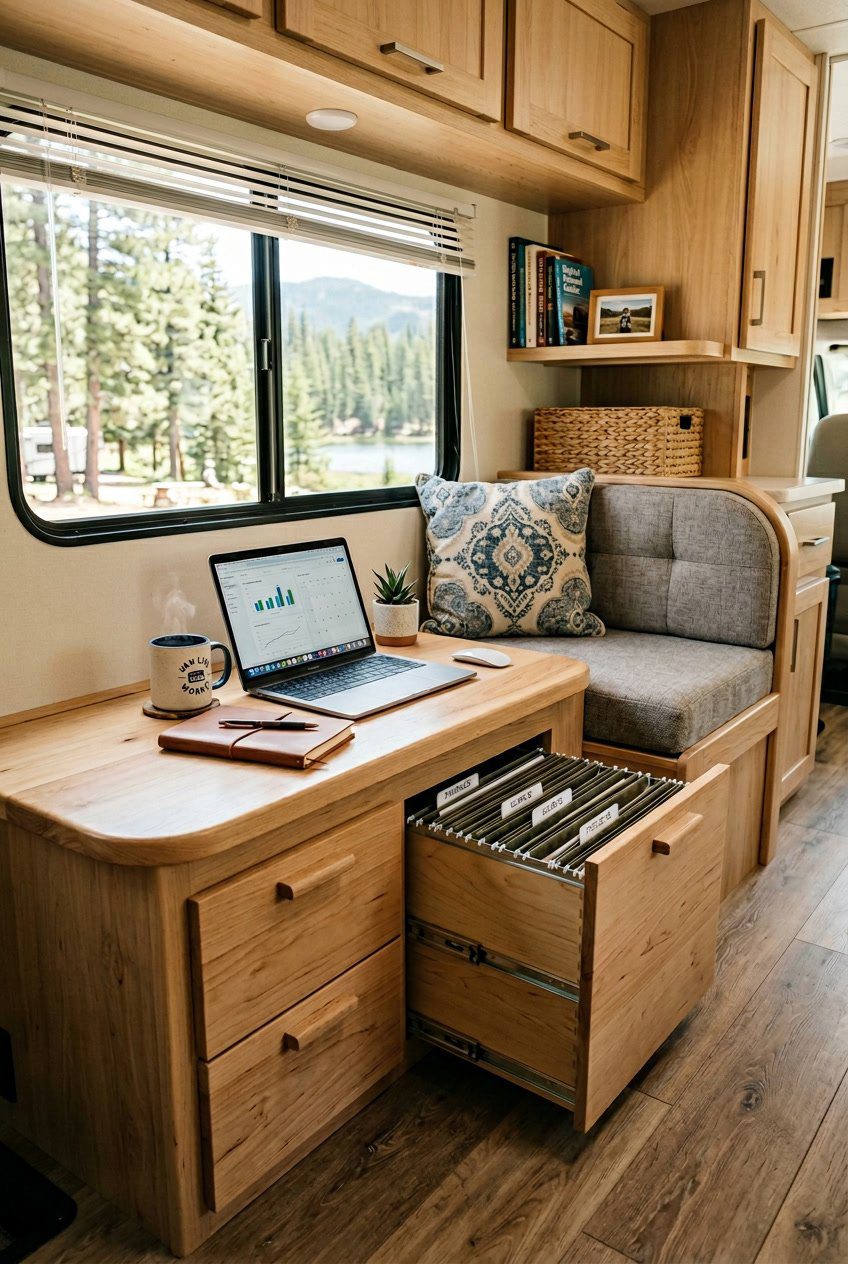
A built-in bench gives you seating and storage in one small footprint. You can sit comfortably while working, then slide out file drawers to reach papers, chargers, or small office tools.
Hidden drawers keep clutter out of sight and make the space feel calmer. They also protect important documents from spills and pets when closed.
You can design the bench to fit under a window or along a wall, using cushions for comfort. Pick shallow, wide drawers so files lie flat and items are easy to grab.
PRO TIP
Add soft-close slides to the drawers so they don’t slam while driving. Label each drawer on the inside edge for quick sorting without visible tags.
9) Clamp-on LED gooseneck task lamp
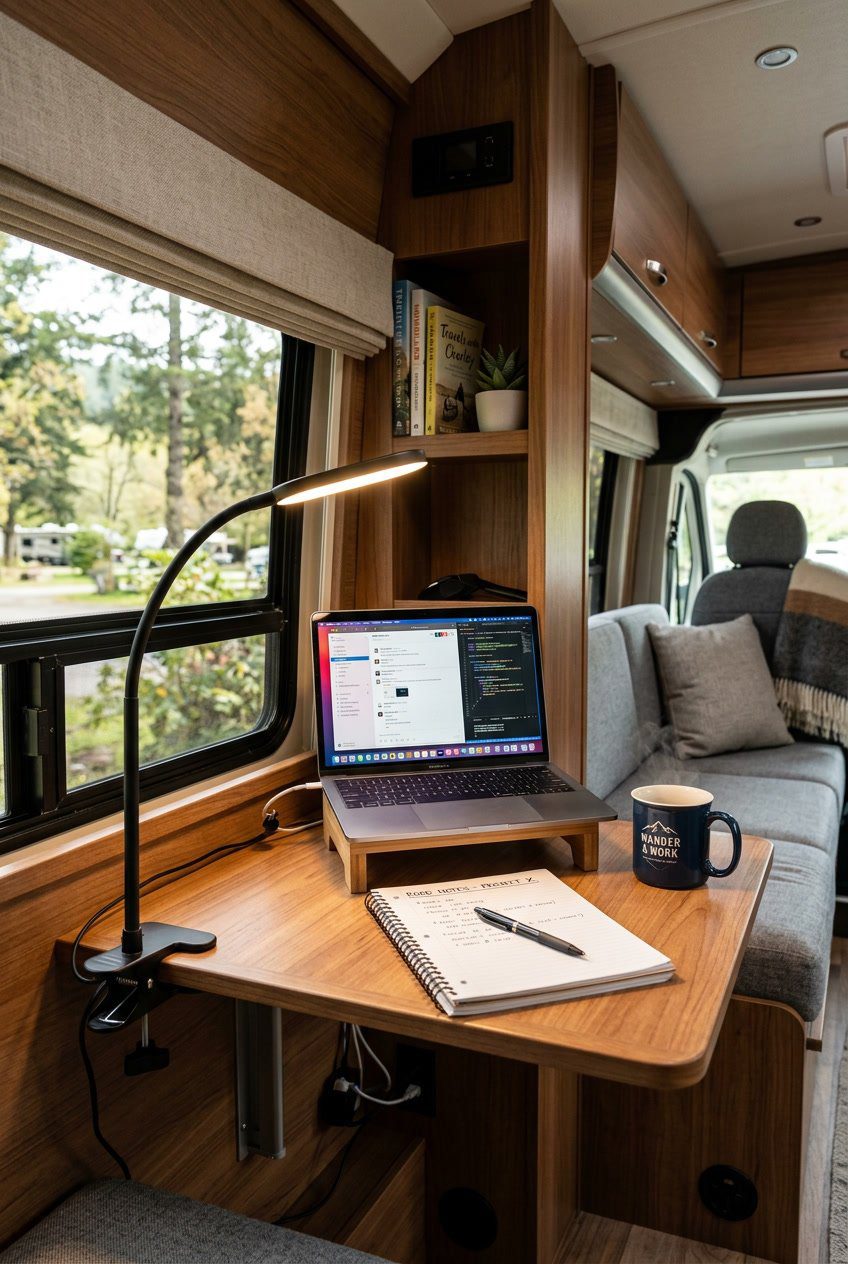
A clamp-on LED gooseneck lamp saves space and gives direct light where you need it. You can attach it to a table edge, shelf, or cabinet, then bend the neck to aim light at papers, your keyboard, or a video call.
LED bulbs stay cool and use little power, which matters when you run on batteries or limited shore power. Look for adjustable brightness so you can lower glare for night work and boost light for detailed tasks.
PRO TIP
Mount the clamp on a stable surface and add a small rubber pad to protect finishes. If your RV has limited outlets, pick a USB-powered model so you can plug into a dock, power bank, or laptop.
10) Noise-reducing window curtains and acoustic panels
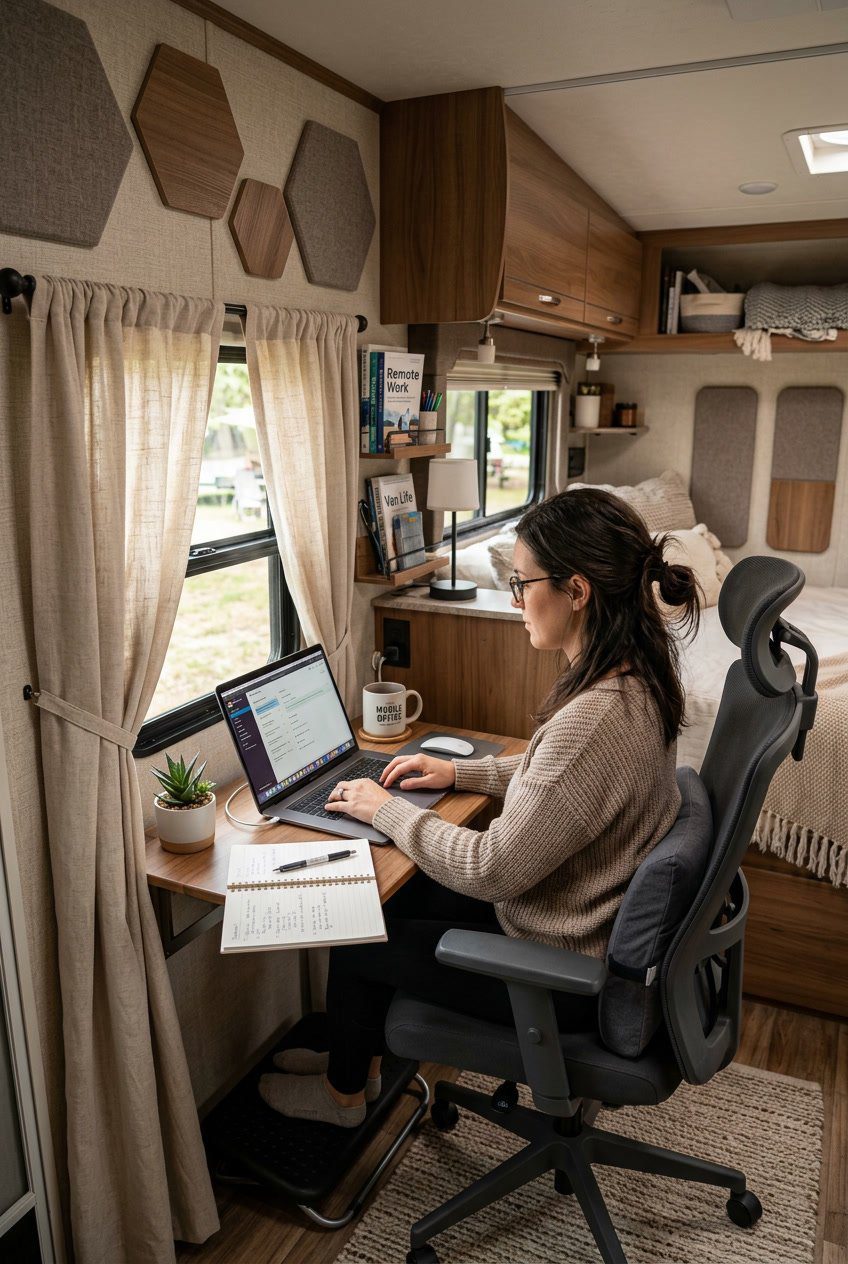
You can cut down road noise and echo with heavy window curtains and small acoustic panels. Thick, tightly woven curtains block sound and light, which helps you focus and keep video calls professional.
Stick acoustic panels on walls around your desk to tame reflections. They don’t take much room and come in thin, lightweight options that fit RV walls.
Choose curtains with a thermal lining to add insulation and lower outside sounds even more. Use removable hooks or Velcro for panels so you can reposition them when you move.
PRO TIP
Mount curtains a few inches above the window frame to seal gaps. Place panels behind and beside your screen for the best sound pickup.
11) Portable standing desk converter
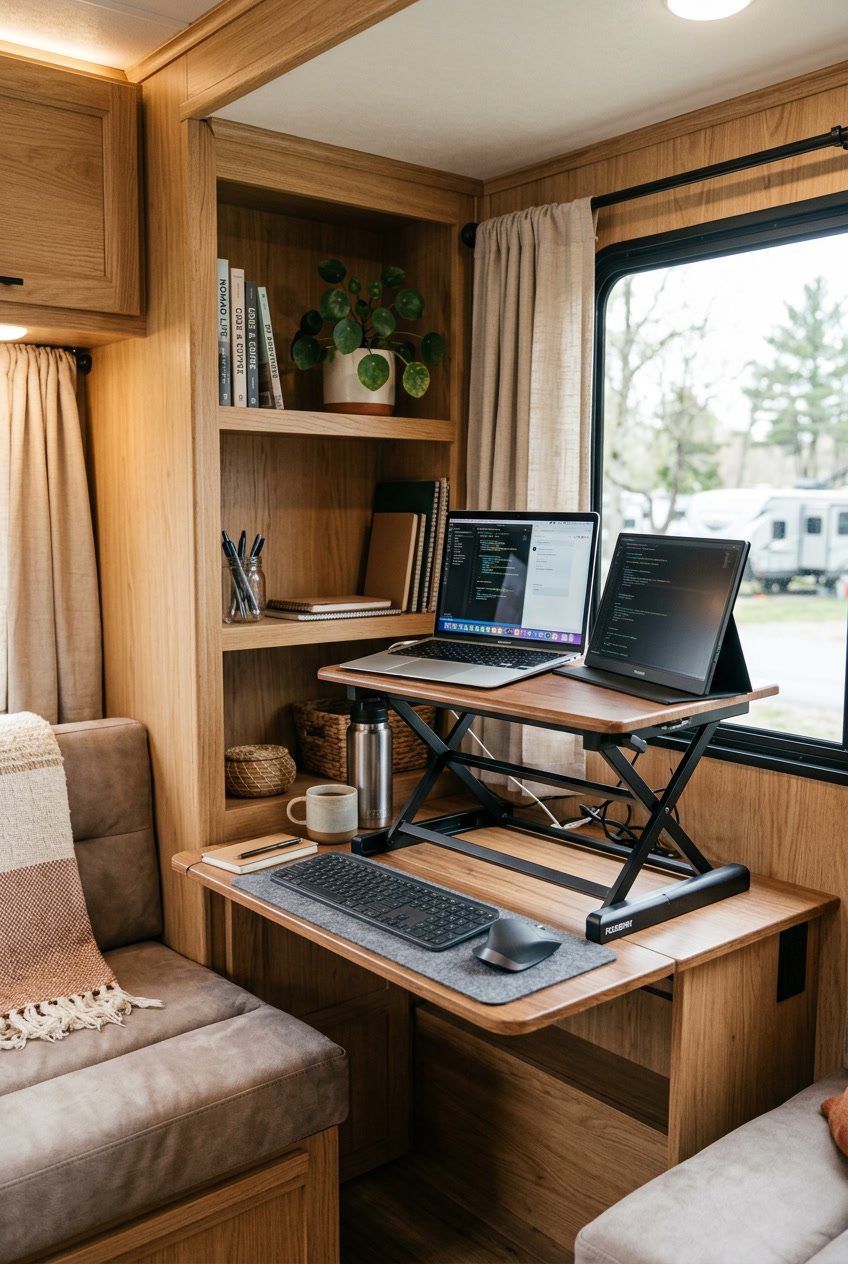
A portable standing desk converter lifts your laptop and keyboard so you can switch between sitting and standing fast. It fits on most RV tables and folds flat for storage when you need counter space.
You can keep your posture better and reduce back pain by standing part of the day. These converters often have simple height locks and a roomy surface for a mouse or notebook.
PRO TIP
Choose a converter that is lightweight and has a low storage profile. Measure your table space first so it sits stable and does not block windows or doors.
12) Dual-monitor VESA arm mounted to cabinet face
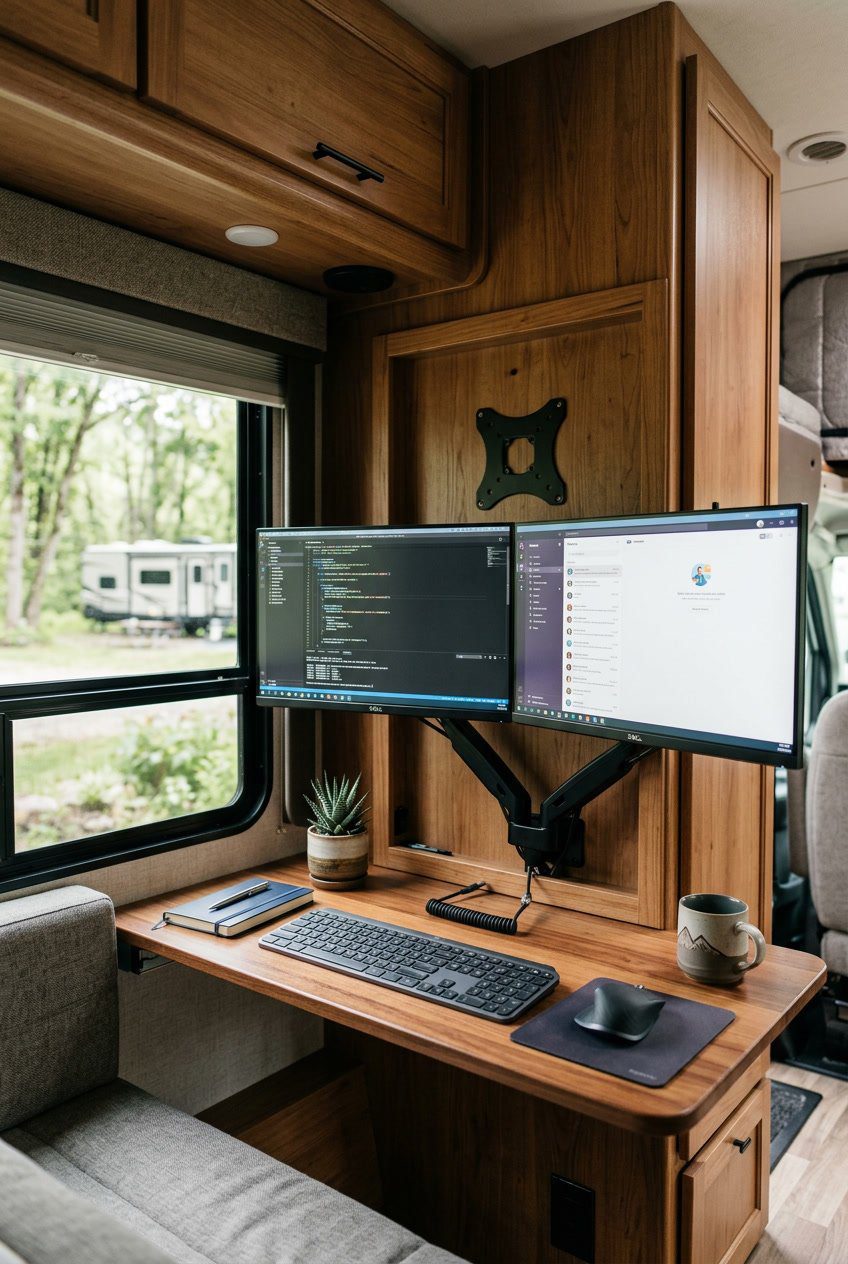
Mount a dual-monitor VESA arm to the cabinet face to free desk space and give you flexible screen placement. You can swing the monitors out for work and tuck them back when you need room. This keeps your workspace tidy and helps with ergonomics.
Pick a strong mounting spot on the cabinet face and use proper anchors or screws for the RV wall material. Balance the monitors so the arm moves smoothly and holds position. Adjust height and angle to keep your neck relaxed.
PRO TIP
Measure twice before drilling and test the arm’s range with the cabinet doors open and closed. Consider quick-release mounts so you can remove screens when traveling.
13) Pegboard command center for chargers and tools
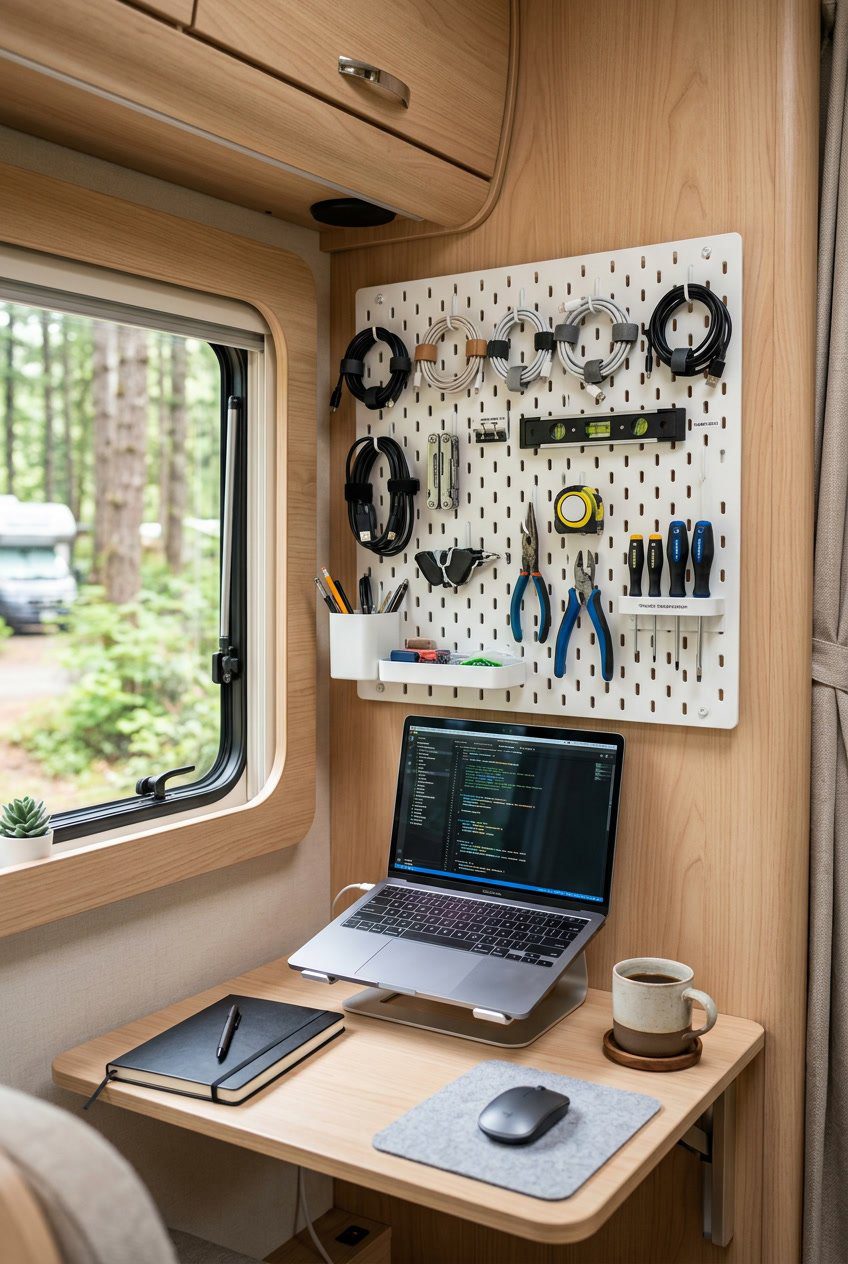
A pegboard keeps your chargers, cables, and small tools visible and easy to grab. Mount it near your desk so cords reach outlets and devices without crossing your work area.
Use hooks, small baskets, and clips to sort items by use. Keep chargers in one zone, tools in another, and label spots so you always return things to the same place.
Add a small shelf or power strip to the pegboard for a tidy charging station. That keeps batteries charging off surfaces and reduces clutter around your laptop.
PRO TIP
Paint the pegboard a light color to brighten the space. Use matching hooks so the wall looks neat and helps you focus.
14) Rolling mobile pedestal with locking drawers
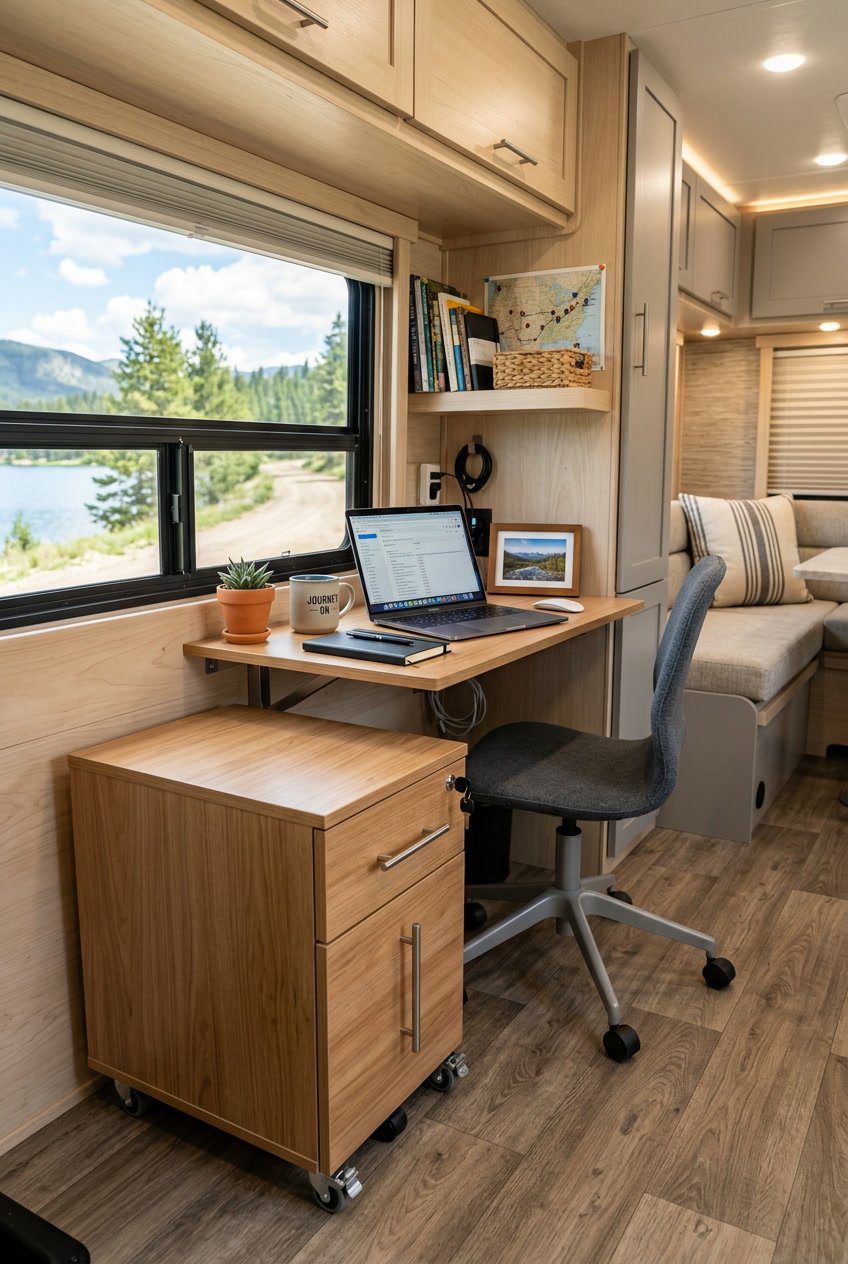
A rolling mobile pedestal gives you extra storage and a stable place for a printer or files. You can tuck it under your desk to save floor space and wheel it out when you need access.
Locking drawers keep important papers and devices safe while you drive or park. They also stop items from spilling during sharp turns.
Choose a model with smooth casters and a low profile so it fits in tight RV spaces. Hard-wearing materials and metal drawer slides last longer on bumpy roads.
PRO TIP
Park on level ground before you open drawers. Use a non-slip mat on top to keep small gear from sliding around.
15) Compact wireless keyboard and vertical mouse combo
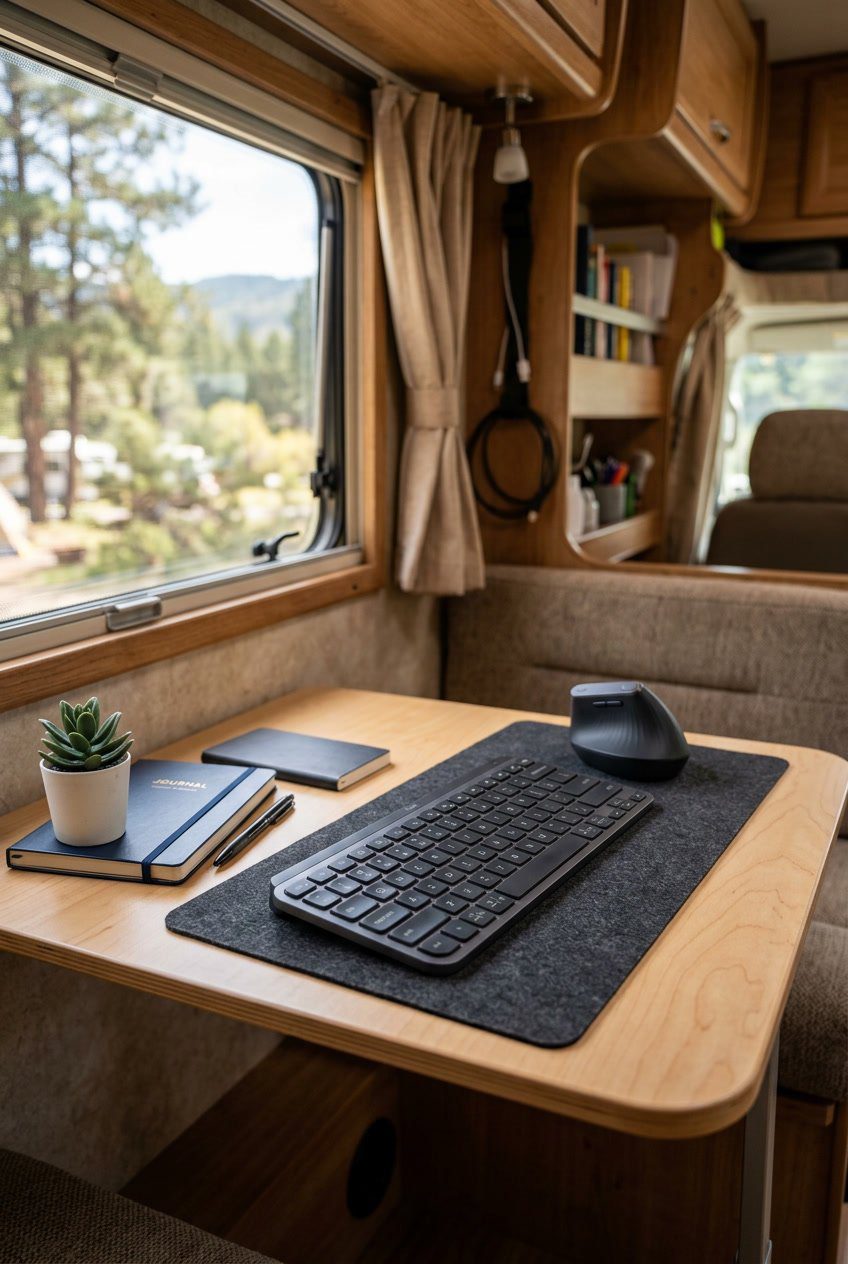
A compact wireless keyboard saves space while you work in tight RV corners. You can tuck it away on a shelf or slide it under a table when not in use.
A vertical mouse helps keep your wrist in a natural position. That reduces strain on long workdays and fits well beside the small keyboard without crowding your desk.
Wireless gear cuts cord clutter and lets you move your setup to a sunny seat or the dinette. Battery life varies, so check power needs and keep spare batteries or a charger handy.
PRO TIP
Choose a keyboard with low-profile keys for quieter typing. Look for a mouse with adjustable DPI so you can change cursor speed for precision work or relaxed browsing.
16) USB-C powered hub with surge protection
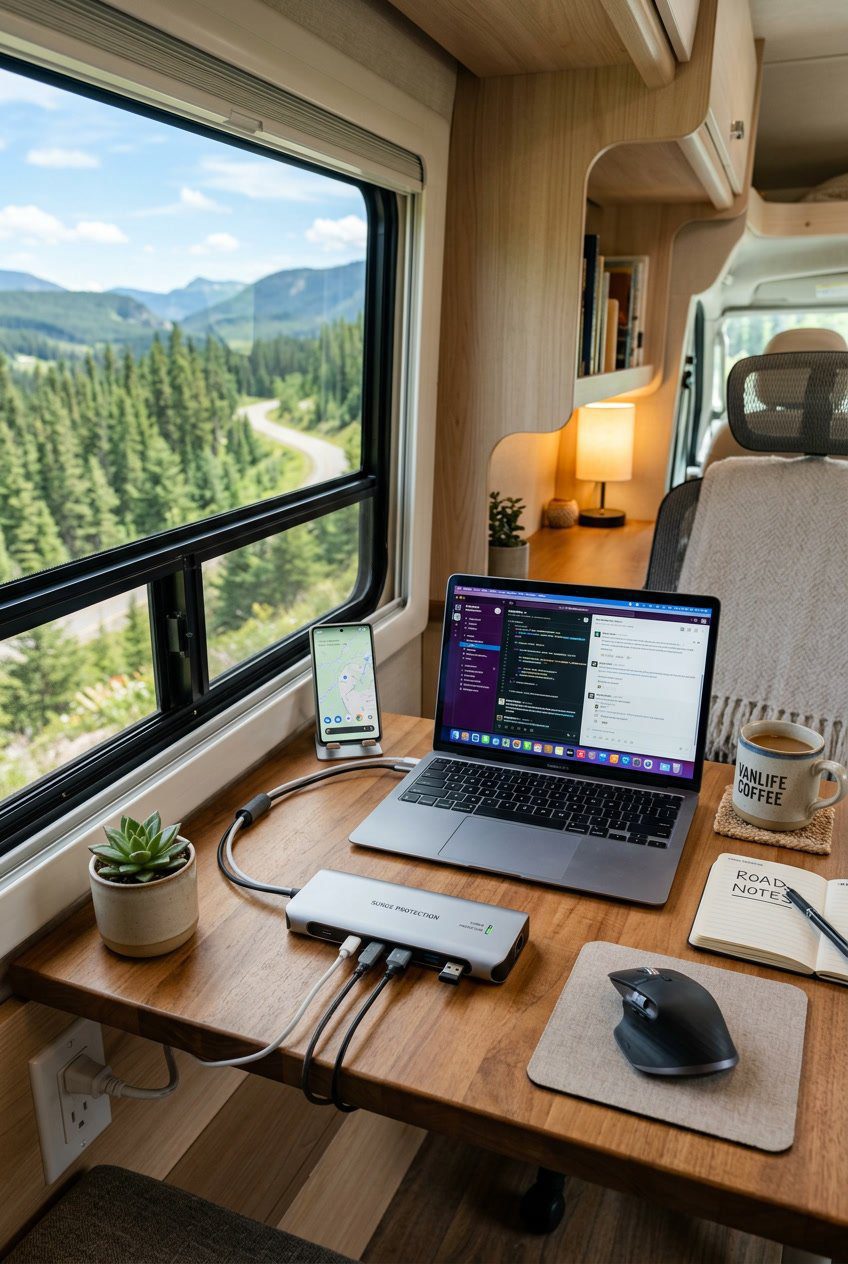
A USB-C powered hub helps you run multiple devices from one outlet. You can charge a laptop, phone, and accessories while keeping ports organized on a small desk.
Choose a hub that includes surge protection to guard your gear from power spikes. That protects sensitive electronics when shore power varies at campsites.
Look for a hub with a mix of USB-C and USB-A ports plus at least one HDMI or Ethernet port if you need video or wired internet. Smaller hubs save space and reduce cable clutter.
PRO TIP
Place the hub on a low shelf or mount it under your desk to keep cords neat. Label cables so you can unplug quickly when you move.
17) Fold-out whiteboard mounted on pantry door
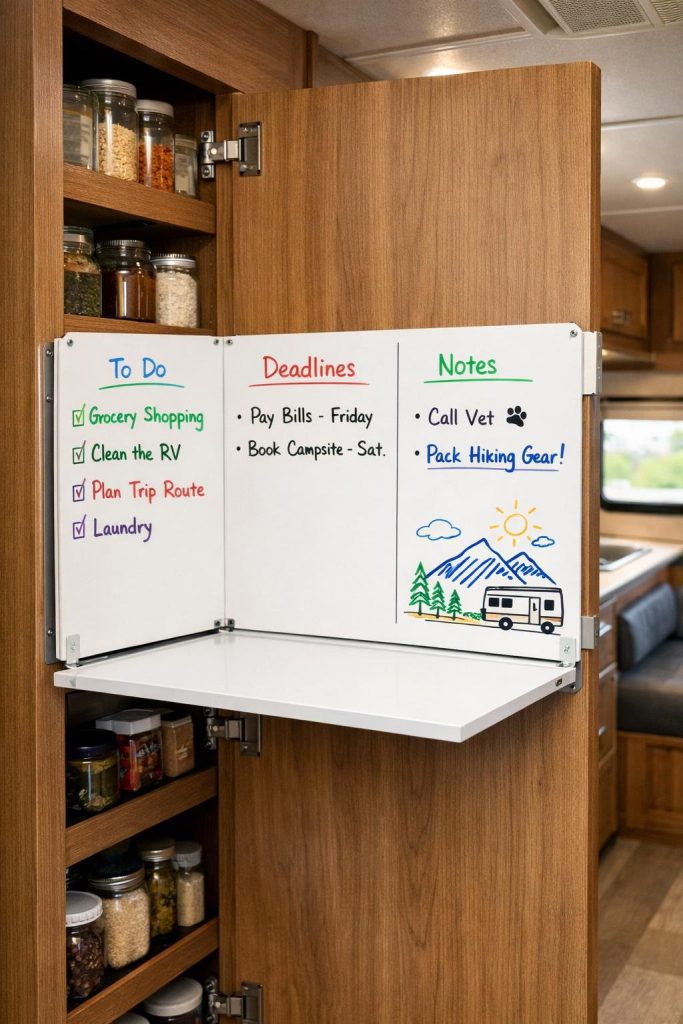
A fold-out whiteboard on your pantry door gives you extra workspace without taking floor space. You can write to-do lists, deadlines, or quick sketches and fold it away when you close the door.
Mount it at a height you can reach while standing or sitting so it stays useful. Choose one with secure hinges and a latch so it won’t swing open while you drive.
Use different colored markers for tasks, priorities, and notes to keep things clear. Wipe it clean often to avoid ghosting and keep your space feeling fresh.
PRO TIP
Attach a slim marker holder or small pocket on the door so you always have markers and an eraser at hand.
18) Under-cabinet LED strip lighting with dimmer
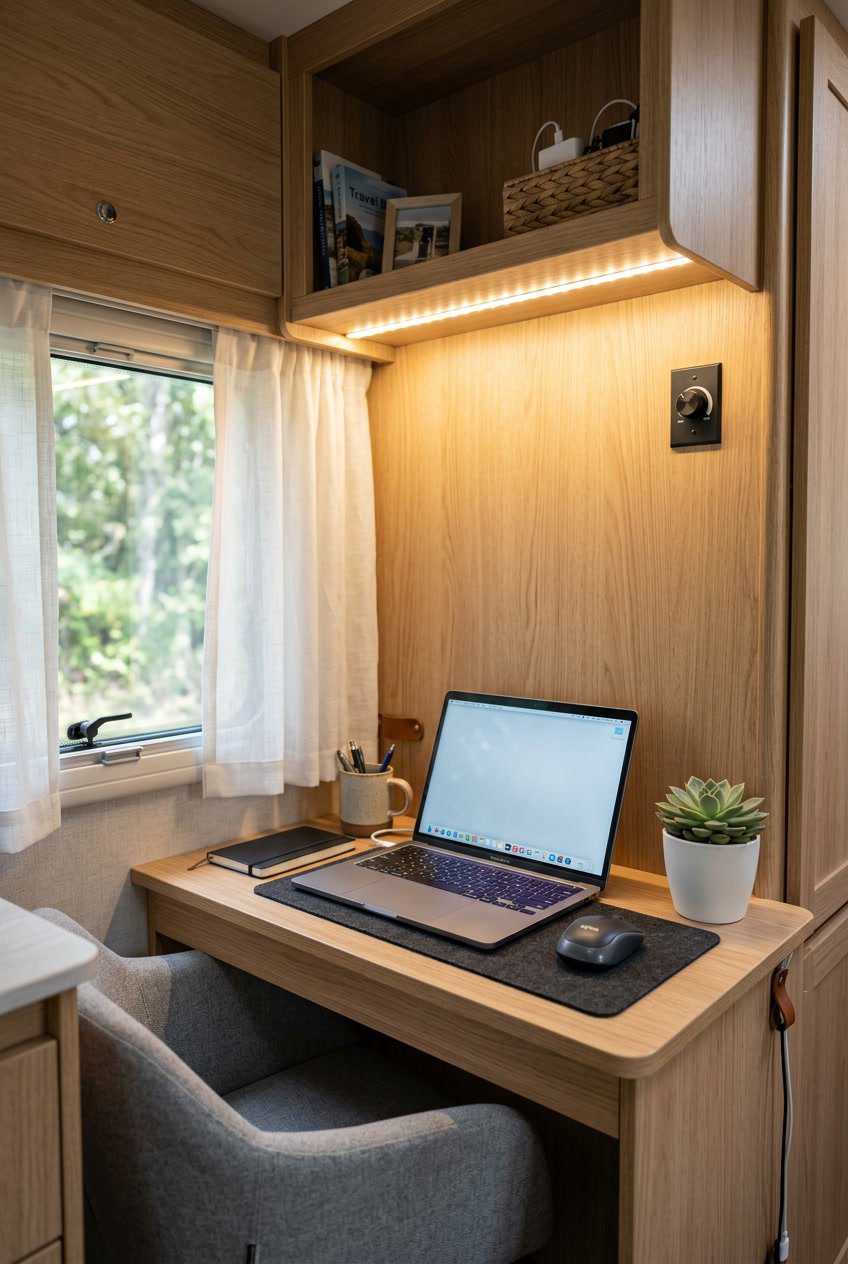
Under-cabinet LED strip lighting gives your RV office nook bright, even light without taking up desk space. You can stick the strips under cabinets or shelves to light your keyboard and paperwork directly.
A dimmer helps control brightness for different tasks and times of day. Dim lights for evening video calls, and brighten for detailed work or reading.
LED strips draw little power, which matters when you run on batteries or solar. They also stay cool, so they won’t add heat to your small workspace.
PRO TIP
Choose warm white for a comfortable look that reduces eye strain. Mount strips with removable adhesive so you can reposition them as your layout changes.
19) Ergonomic RV office chair with low-profile base
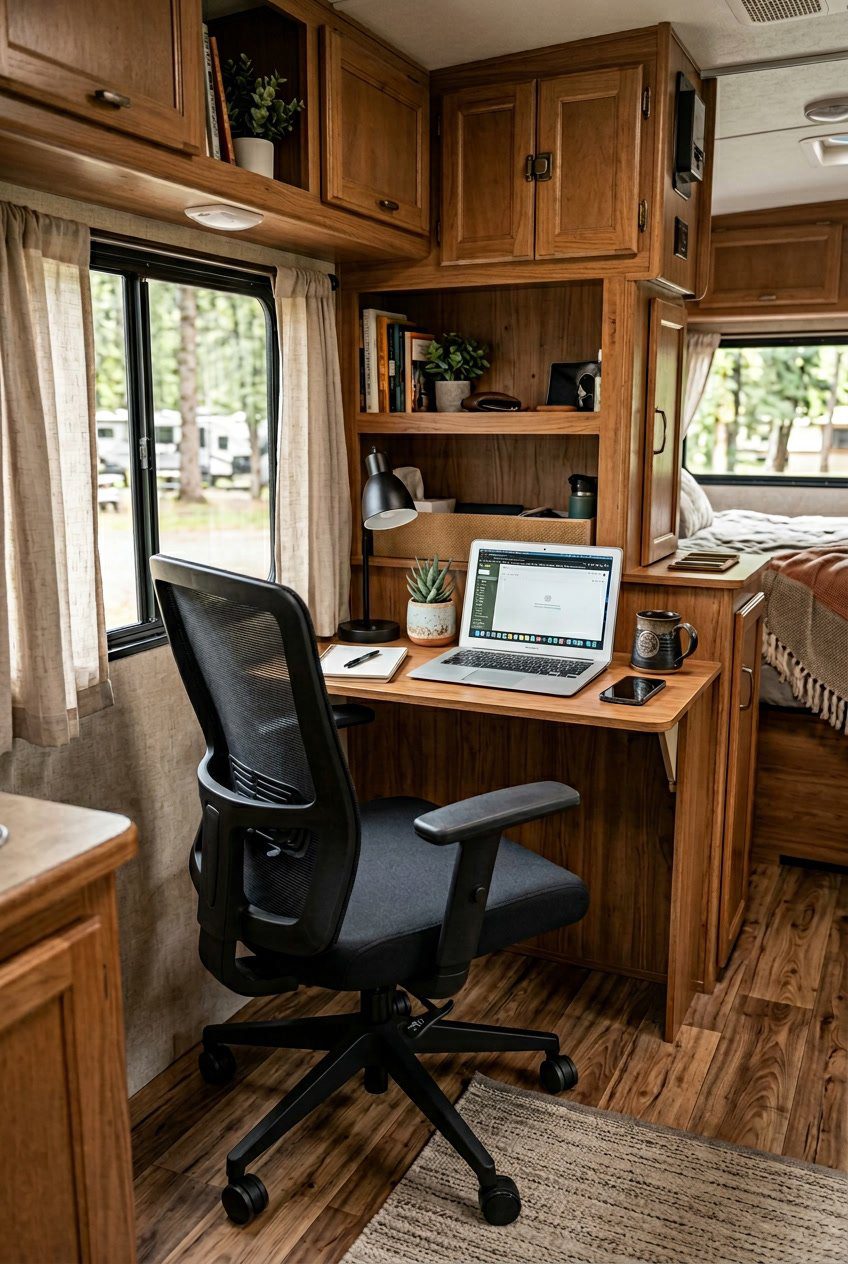
Choose an ergonomic chair designed for small spaces. A low-profile base keeps the seat close to the floor so it fits under compact desks and slides easily on RV flooring.
Look for adjustable lumbar support and seat height so you can keep good posture while working long hours. Breathable fabric helps you stay comfortable in varying temperatures.
A chair with swivel and smooth-rolling casters makes meetings and tasks easier without standing up. Pick casters that won’t damage vinyl or laminate floors.
PRO TIP
Use a seat cushion if you need extra padding without raising the chair too much. Secure the chair with a non-slip mat when parked to prevent rolling while you drive.