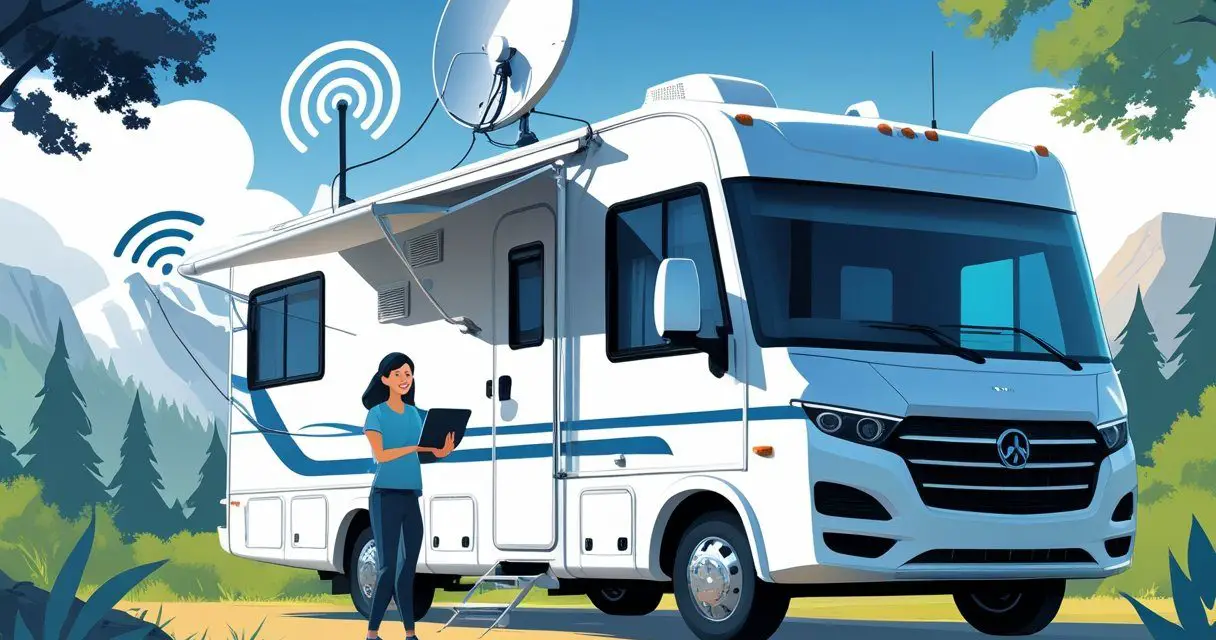
Yes, you can get high-speed internet in an RV through cellular data plans, satellite services like Starlink, or mobile hotspots. The days of being completely disconnected on the road are over.
Modern RV travelers can work remotely, stream movies, and stay in touch with family using a variety of internet solutions.
The best option depends on where you travel and how you use the internet. Cellular hotspots work well near cities and highways.
Satellite internet covers remote areas where cell towers don’t reach. Many full-time RVers use both to stay connected everywhere they go.
Cost and power usage matter too. Some setups cost a few hundred dollars while others run several thousand.
The right choice matches your travel style, budget, and internet needs.
Key Takeaways
- RVers can access high-speed internet through cellular hotspots, satellite services, or a combination of both
- Cellular data works best near populated areas while satellite internet like Starlink covers remote locations
- The ideal setup depends on travel patterns, budget, power availability, and whether internet is needed for work or casual use
Overview of RV High Speed Internet Access
High speed internet in an RV works differently than traditional home connections, with speed standards and reliability varying based on technology and location.
RV travelers can access multiple internet options, each with unique benefits and limitations.
Defining High Speed Internet for RVs
High speed internet for RVs typically means download speeds of at least 25 Mbps, though this varies based on the technology used.
Mobile hotspots and cellular connections usually deliver 4G speeds between 28 and 35 Mbps in most areas. Satellite internet through services like Starlink Roam can reach up to 300 Mbps.
The definition differs from home internet standards. RV internet options focus on portability rather than the fastest possible speeds.
A connection that handles video streaming, web browsing, and video calls counts as high speed for most travelers.
Speed also depends on whether the RV is moving or stationary. In-motion internet typically runs slower than when parked.
Remote locations generally see reduced speeds compared to urban areas with strong cellular coverage.
Why Reliable Internet Matters for RV Living
Many RV travelers work remotely and need consistent internet for their jobs.
Video conferences, file uploads, and cloud-based applications require stable connections.
Entertainment needs also drive demand for quality RV internet. Streaming services require at least 5 Mbps for HD video and 25 Mbps for 4K content.
Multiple devices using the connection simultaneously need even higher speeds.
Emergency communication and navigation rely on internet access. RV travelers use online tools for weather updates, route planning, and campground reservations.
Internet access connects travelers to family and provides access to important services while on the road.
Factors That Impact Internet Speed on the Road
Geographic location affects internet performance more than any other factor.
Urban areas offer strong cellular signals and faster speeds, while rural zones and national parks have limited coverage.
Mountains, valleys, and forests block wireless signals and reduce connection quality.
Network congestion impacts speeds at busy campgrounds. When many users share the same cellular tower or campground Wi-Fi, speeds drop significantly.
Peak usage times in the evening see the slowest performance.
The technology chosen determines baseline speeds. Satellite internet works in remote areas but costs more.
Mobile hotspots depend on cellular coverage. Wi-Fi extenders only boost existing signals from campgrounds or public locations.
Weather conditions can interfere with satellite connections, while cellular performance stays more consistent.
Cellular Data and Mobile Hotspots
Cellular data through mobile hotspots remains the most popular internet solution for RV travelers who stick to highways and populated areas.
The major carriers offer plans with high-speed data before throttling kicks in, and setup requires minimal equipment compared to satellite options.
How Mobile Hotspots Work in an RV
A mobile hotspot converts cellular signals into a Wi-Fi network that multiple devices can connect to simultaneously.
RVers can use their smartphone’s built-in hotspot feature, purchase a dedicated hotspot device, or install a mobile router designed for RV use.
Dedicated hotspot devices cost between $200 and $400 and often provide stronger connections than phone hotspots.
Mobile routers like Pepwave or Cradlepoint models range from $500 to $700 but support multiple SIM cards from different carriers.
This dual-carrier setup helps maintain connectivity when one network has weak coverage.
Cellular boosters amplify weak signals in remote areas. Models like weBoost Drive Reach RV cost $500 to $800 but can make the difference between no service and usable speeds.
These boosters require mounting an external antenna on the RV roof and connecting it to an interior unit.
Choosing the Right Cellular Data Provider
Verizon, AT&T, and T-Mobile dominate the RV internet market with different coverage strengths.
Verizon typically offers the best coverage in rural areas, while T-Mobile often provides better speeds in cities at lower prices.
AT&T falls somewhere in the middle for both coverage and cost.
Coverage maps help identify which carrier works best for planned travel routes.
Many RVers maintain plans with two carriers to ensure backup connectivity.
Some mobile routers accept multiple SIM cards and automatically switch between networks based on signal strength.
Plan costs in 2025 range from $40 to $100 per month depending on the carrier and features included.
Business plans sometimes offer better hotspot data allowances than consumer plans, though they cost more.
Evaluating Unlimited Data Plans for RV Use
The term unlimited data plan can be misleading since most carriers throttle speeds after a high-speed threshold.
As of 2025, AT&T’s Unlimited Premium includes 60 GB of high-speed hotspot data before reducing speeds.
Verizon and T-Mobile offer similar limits between 30 GB and 60 GB.
Throttled speeds typically drop to 3 Mbps or slower, which struggles with video calls or streaming.
Some carriers deprioritize data during network congestion even before hitting the cap.
This matters more in crowded campgrounds or popular tourist areas.
RVers who work remotely or stream frequently often need multiple lines to accumulate enough high-speed data.
Two lines with 50 GB each provide 100 GB monthly before throttling.
Prepaid plans from carriers like Visible or US Mobile sometimes offer better value for high data users, though coverage may be more limited.
Satellite Internet Solutions for RVs
Satellite internet delivers connectivity to RVs through orbiting satellites, with Starlink leading the market through superior speed and coverage.
Traditional providers like Viasat and HughesNet offer alternative options at different price points.
How Satellite Internet Works on the Road
Satellite internet connects an RV to the web by bouncing signals between a dish mounted on or near the vehicle and satellites orbiting Earth.
The dish sends a request to a satellite, which relays it to a ground station connected to the internet backbone.
The response travels back the same way.
Traditional satellite providers use satellites positioned 22,000 miles above Earth.
This distance creates noticeable delays called latency, making activities like video calls choppy.
The signal also weakens during heavy rain or snow.
Low-earth orbit satellites operate much closer to Earth, between 300 and 1,200 miles up.
This shorter distance reduces latency and improves connection quality.
Starlink uses this newer technology with thousands of satellites working together to maintain coverage.
Most satellite systems require a clear view of the sky to function.
Trees, buildings, and canyon walls block the signal.
RVers need to position their dish carefully at each stop to maintain connection.
Comparing Major Providers: Starlink, Viasat, and HughesNet
Starlink offers speeds between 30 and 220 Mbps with low latency around 20-40 milliseconds.
The equipment costs $299 for the Mini dish or $349 for the Standard dish.
Monthly plans start at $50 for 50GB or $165 for unlimited data.
Viasat provides speeds up to 50 Mbps but with high latency around 500-600 milliseconds.
Plans start around $70 per month with data caps between 40GB and 300GB.
Equipment is typically leased rather than purchased.
HughesNet delivers speeds up to 25 Mbps with similar high latency as Viasat.
Plans range from $50 to $100 monthly with data limits between 15GB and 200GB.
Like Viasat, the equipment is usually leased.
| Provider | Speed Range | Latency | Equipment Cost | Monthly Cost |
|---|---|---|---|---|
| Starlink | 30-220 Mbps | 20-40ms | $299-$349 | $50-$165 |
| Viasat | Up to 50 Mbps | 500-600ms | Leased | $70-$100+ |
| HughesNet | Up to 25 Mbps | 500-600ms | Leased | $50-$100 |
Would you like to save this article?
Starlink Roam: Game Changer for RVers
Starlink Roam transformed RV internet by allowing the dish to work anywhere without a fixed address.
Previous satellite services required RVers to register a home location and faced restrictions when traveling.
The service works while the RV is parked or moving, though the in-motion feature requires specific hardware.
The Starlink Mini dish weighs just 2.5 pounds and can run off a USB-C power bank, making it practical for boondocking.
The Standard dish needs AC power but covers larger areas.
RVers can pause service for up to six months and only pay for the months they travel.
This flexibility saves money during off-season storage.
The unlimited Roam plan provides unthrottled data, while the 50GB plan suits light users checking email and browsing.
Signal quality depends on satellite coverage in the area.
Remote locations may experience slower speeds during peak usage times.
Weather rarely disrupts the connection compared to older satellite systems.
Optimizing Cellular Connectivity
Cellular signal boosters and external antennas can significantly improve internet speeds and reliability in an RV, especially in areas with weak coverage.
These tools amplify existing signals and help devices maintain stronger connections to cell towers.
Using Cellular Signal Boosters
A cellular signal booster captures weak signals from nearby cell towers and amplifies them for use inside an RV.
These devices typically include three main components: an external antenna mounted on the RV roof, an amplifier unit, and an internal antenna that broadcasts the boosted signal.
Signal boosters work with all major carriers including Verizon, AT&T, and T-Mobile.
They can improve both data speeds and voice call quality.
Most boosters increase signal strength by 32 times or more, which translates to better streaming, faster downloads, and more reliable video calls.
Installation requires mounting the external antenna in a location with the best possible view of cell towers.
The amplifier unit connects the external and internal antennas through coaxial cables.
RVers should keep the two antennas separated by adequate distance to prevent signal feedback.
These boosters do not require a monthly subscription and work passively to enhance whatever signal is available.
They cannot create signal where none exists but can make marginal signals usable for internet access.
Benefits of External Antennas and Equipment
External antennas mounted on an RV roof provide better signal reception than devices used inside the vehicle.
Metal RV walls and windows often block or weaken cellular signals.
Roof-mounted antennas bypass this obstacle and connect directly to stronger signals.
MIMO (Multiple Input Multiple Output) antennas work particularly well for 4G LTE and 5G connections.
These antennas use multiple elements to receive data from cell towers simultaneously, which increases both speed and reliability.
They plug directly into mobile hotspots or routers that have external antenna ports.
External equipment also reduces the impact of terrain and distance from towers.
An antenna positioned 10-12 feet above ground level on an RV roof can often pick up signals from towers several miles away.
This extended range matters most in rural areas and campgrounds located far from urban centers.
Some mobile routers come with built-in ports for external antennas, making upgrades straightforward.
RVers who frequently travel to remote locations see the most benefit from investing in quality external antenna systems paired with signal boosters.
Other RV Internet Options
Beyond cellular and satellite solutions, RVers can tap into free public networks or boost existing signals to stay connected.
These budget-friendly approaches work well for light internet use or as backup options.
Public WiFi Networks: Campgrounds, Cafes, and Libraries
Many RV parks now include complimentary WiFi as part of their amenities, though quality varies significantly. Major campground chains like KOA typically offer more reliable connections than smaller independent sites.
The signal strength often depends on how close an RV is parked to the access point. RVers can also access free WiFi at common public locations.
Coffee shops, fast-food restaurants, and public libraries provide connections that work for basic browsing and email. National park visitor centers and truck stops frequently offer WiFi access as well.
Public networks have important limitations. Speeds are usually slower because multiple users share the same connection.
Security risks increase on open networks, so users should avoid accessing sensitive information like bank accounts. Many public networks also restrict streaming or downloading large files.
Connection reliability can drop during peak hours when more people are online.
Extending Range with WiFi Boosters and Extenders
WiFi extenders help RVers connect to distant public networks that standard devices can’t reach. The ALFA Network WiFi-Camp Pro 3, priced at $224.99, uses a high-gain antenna to capture weak signals from campground access points.
These devices differ from home WiFi extenders because they receive signals rather than broadcast them. Most RV WiFi extenders support dual-band connections and easy setup.
They work best when an RV is parked within 300-500 feet of a public access point. Physical obstacles like trees, buildings, or hills can still block signals even with an extender.
A one-time equipment purchase eliminates monthly data plan fees. However, extenders only work where public WiFi exists, limiting their usefulness in remote areas or while traveling between destinations.
Considerations for Choosing RV Internet
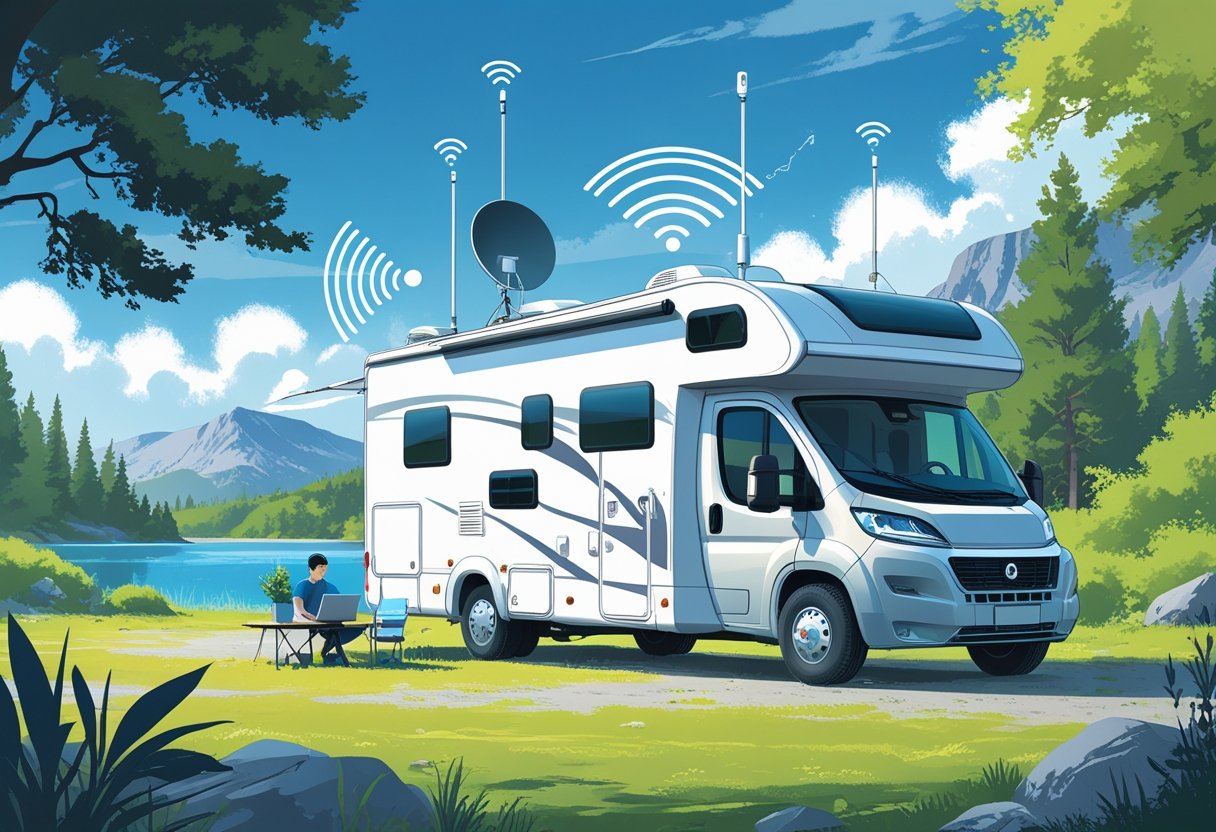
Choosing the right RV internet depends on where you travel, how much data you need, and what you’re willing to spend. Different solutions work better for different types of RV users.
Coverage, Data Caps, and Throttling
Network coverage varies significantly between providers and locations. T-Mobile, Verizon, and AT&T each have strong coverage in cities, but their rural performance differs.
Verizon typically offers the best coverage in remote areas, while T-Mobile often provides faster speeds in urban locations. Data caps limit how much internet you can use each month.
Most mobile hotspot plans offer anywhere from 50GB to unlimited data. Plans with unlimited data often include throttling after a certain threshold, typically 50-100GB.
Throttling reduces speeds to around 3-5 Mbps, which still allows basic browsing but makes video streaming difficult. Satellite options like Starlink Roam Unlimited include a 1TB data cap.
This is much higher than most cellular plans and works well for people who stream frequently or work remotely.
Cost Comparison of Popular RV Internet Solutions
Monthly costs for common RV internet options:
- Mobile hotspots: $50-$100 per month plus $200-$300 device cost
- Starlink Roam Unlimited: $165 per month plus $499 equipment
- Wi-Fi extenders: $0 monthly (one-time cost of $200-$250)
- Portable 4G plans: $90-$150 per month
Wi-Fi extenders have no monthly fees but require access to existing networks. Mobile hotspots offer the best balance of cost and flexibility for occasional travelers.
Starlink provides the highest speeds and most reliable coverage but requires significant upfront investment.
Travel Habits and Internet Usage Needs
Weekend RVers can usually manage with basic mobile hotspot plans that include 30-50GB of data. A typical weekend trip uses about 10-15GB for normal browsing and occasional video streaming.
Full-time RV residents need more robust solutions. Someone working remotely typically uses 150-300GB monthly.
This requires either an unlimited cellular plan or satellite internet. People who frequently visit national parks or remote areas should prioritize coverage over speed.
RVers who primarily stay at campgrounds with Wi-Fi can save money by using a quality Wi-Fi extender. This works best when staying at one location for extended periods rather than moving frequently.