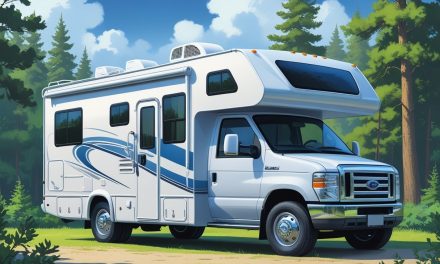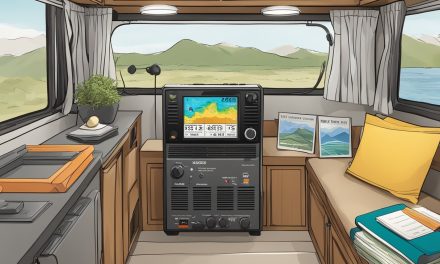
Living on the road doesn’t mean giving up a stable internet connection. Many RV travelers wonder if they can set up the same type of internet they have at home.
Yes, you can get wired internet in an RV, and many RV parks and campgrounds offer Ethernet connections or cable internet hookups that let you plug in directly for a fast and reliable connection. This option works well for people who need steady speeds for work or streaming.
Wired internet isn’t available everywhere you park, though. Some locations offer it as part of their amenities, while others don’t have the infrastructure at all.
Understanding how wired connections work in an RV and what alternatives exist helps travelers make smart choices about staying online. Different methods fit different travel styles and budgets.
The right internet setup depends on where you go, how much data you use, and what you’re willing to spend. Some RVers stick with one method, while others use a mix of options based on their location.
Key Takeaways
- Wired internet is available at some RV parks through Ethernet or cable connections, offering fast and reliable speeds
- Wireless options like cellular data and satellite internet provide coverage in areas without wired infrastructure
- The best internet solution depends on your travel patterns, data needs, and budget for equipment and monthly costs
Understanding Wired Internet in an RV
Wired internet in an RV connects through physical cables rather than wireless signals. RV parks and campgrounds may offer ethernet ports or cable internet access, though availability varies significantly by location.
What Wired Internet Options Are Available
RV parks with wired connections typically provide ethernet ports at individual sites. These ports connect directly to a router or device using an ethernet cable.
The setup works similar to home internet but requires the RV to stay stationary at the campsite. Cable internet represents another wired option at some upscale RV resorts.
This service uses coaxial cables and requires a cable modem to establish the connection. The modem converts the cable signal into usable internet access for devices.
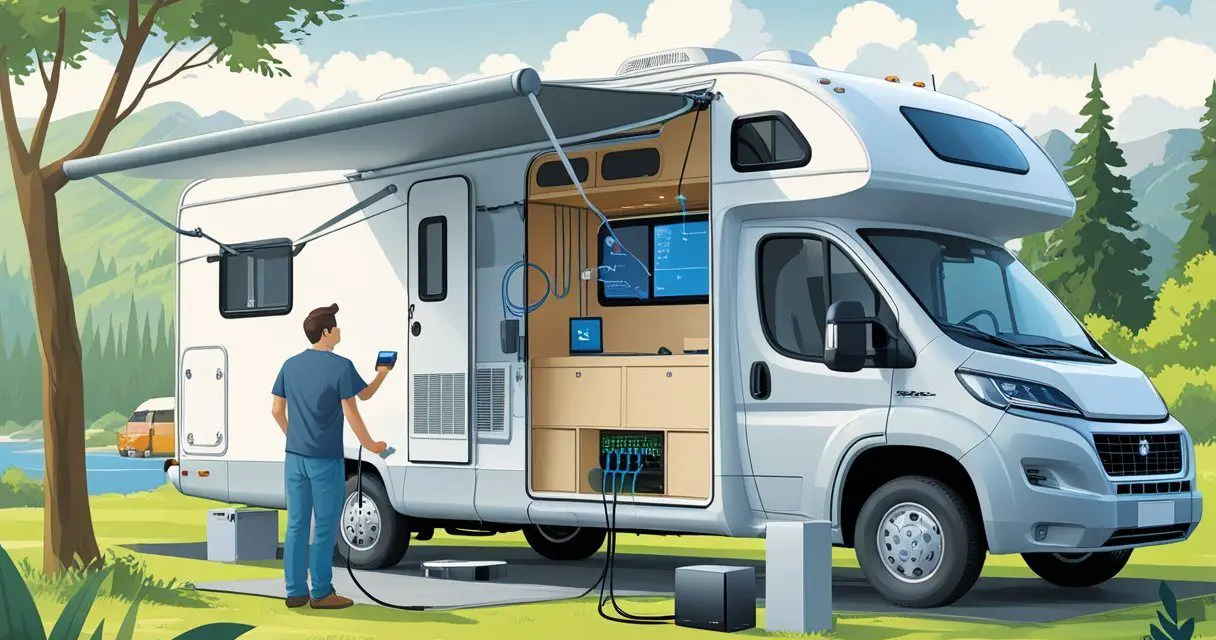
Some RVers create their own wired setup inside the RV. They install routers that connect to the park’s network through an external ethernet connection.
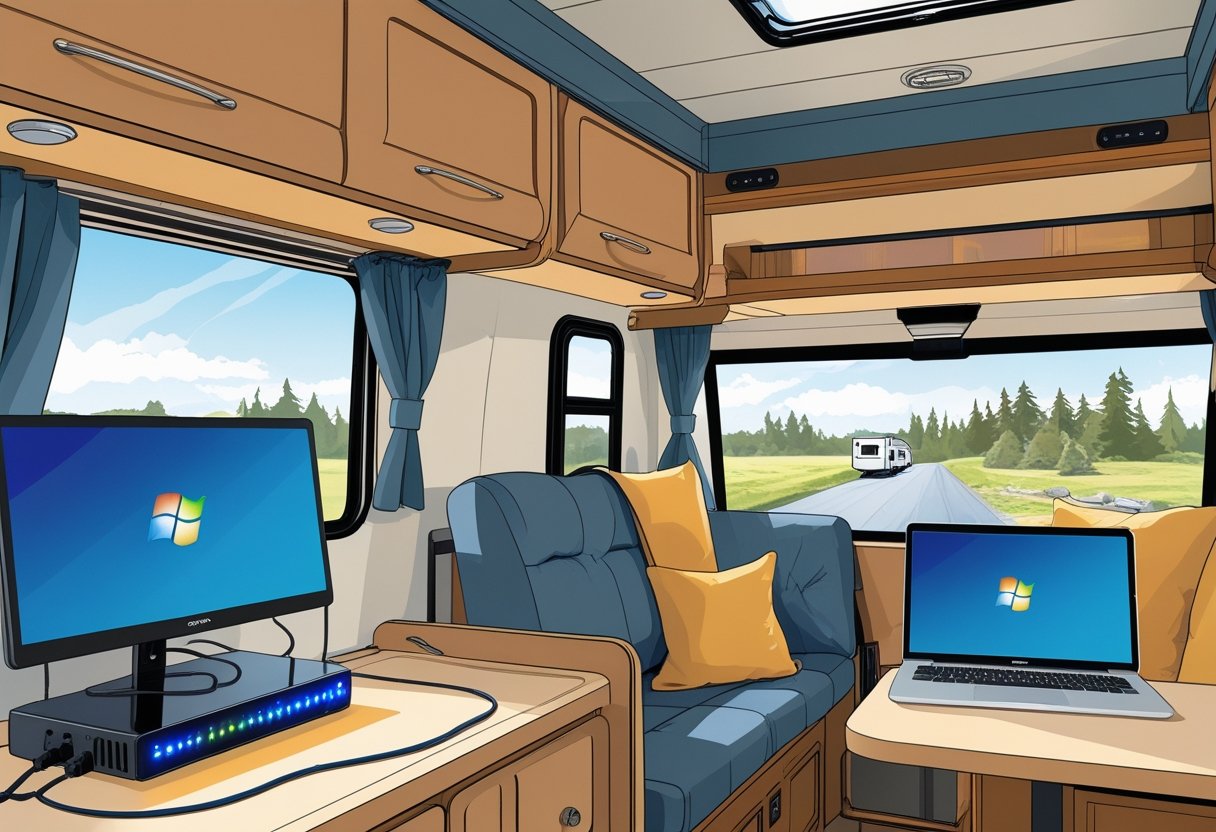
This allows multiple devices to access the internet through both wired and wireless connections inside the vehicle. The quality of wired connections depends entirely on the RV park’s infrastructure.
Premium resorts often invest in faster, more reliable systems. Budget campgrounds may offer slower speeds or unreliable service.
Limitations of Wired Connectivity on the Road
Wired internet in an RV restricts mobility since the connection requires a physical cable. RVers cannot access the internet while driving or when parked in locations without wired infrastructure.
Most campgrounds don’t offer wired connections at all. The search for RV parks with ethernet or cable access significantly limits destination choices.
Rural areas and national forest campgrounds rarely provide these services. The connection only works at the specific site where the cable reaches.
Moving the RV even a few feet can disconnect the service. This lack of flexibility contrasts sharply with cellular or satellite options that travel with the vehicle.
Comparing Wired and Wireless Internet for RVs
Speed and reliability differ between connection types. Wired connections at well-equipped RV parks often deliver faster speeds than campground WiFi.
However, cellular data networks frequently match or exceed wired speeds in areas with strong coverage. Cost considerations vary by method.
Many RV parks include wired access in the site fee, making it economical. Cellular plans range from $20 to $100 monthly, while satellite services cost $50 to $200 or more per month.
Coverage and availability favor wireless options. Cellular networks reach most populated areas across the country.
Satellite internet works in remote locations where other methods fail. Wired connections remain limited to specific campgrounds.
Setup requirements are simpler for wireless solutions. Cellular hotspots and WiFi need minimal equipment.
Wired connections require cables, compatible ports at the campground, and sometimes additional routers or modems.
Wireless Alternatives to Wired Internet
RV travelers have several wireless internet options that don’t require physical cables. Mobile hotspots use cellular networks, satellite systems beam internet from space, and campground connections offer convenient Wi-Fi access at many locations.
Mobile Hotspots and Cellular Data
Mobile hotspots convert cellular data into a WiFi network that multiple devices can use. These compact devices work with major carriers like Verizon, T-Mobile, and AT&T.
A dedicated mobile hotspot offers better performance than phone tethering. Devices like the T-Mobile Inseego 5G MiFi M2000 support up to 30 connected devices.
The NETGEAR AC797 provides speeds up to 400 Mbps on 4G networks. Cellular data plans vary widely in cost and data limits.
Some carriers offer unlimited data plans specifically for mobile hotspots. Others cap usage at 50GB or 100GB per month.
Key considerations for mobile hotspots:
- Coverage depends on the cellular network in each area
- 5G speeds are faster but not available everywhere
- Battery life ranges from 8 to 11 hours on most devices
- Unlocked devices let users switch between carriers
Satellite Internet Services
Satellite internet reaches remote locations where cellular signals fail. Services like Starlink and HughesNet use dish antennas to communicate with orbiting satellites.
Starlink offers the newest technology with faster speeds and lower latency than older satellite options. The system requires mounting a dish on the RV roof.
HughesNet provides reliable service with nearly 30 years of experience in the satellite industry. Setup requires clear sky visibility without tree cover or mountain obstructions.
Weather conditions can affect signal quality. Rain and heavy cloud cover sometimes disrupt connections.
Satellite internet drawbacks include:
- Higher upfront equipment costs ($500-$2,500)
- Monthly service fees ($100-$150+)
- Manual or auto-pointing dish alignment needed
- Performance varies with weather and landscape
Campground Wi-Fi and Public Wi-Fi Networks
Many RV parks and campgrounds provide free or paid Wi-Fi to guests. The quality of these wifi networks varies significantly between locations.
Campground wi-fi often struggles with bandwidth when many users connect simultaneously. Sites farther from the router receive weaker signals.
A WiFi extender can boost weak campground signals to reach distant RV spots. Public wi-fi at libraries, coffee shops, and restaurants offers another connection option.
These networks work for basic browsing and email but have security concerns. Tips for using campground and public networks:
- Use a VPN to encrypt data on unsecured networks
- WiFi extenders improve weak signal strength
- Ask about data limits or time restrictions
- Consider campground wifi as a backup option rather than primary internet
How to Use Wired Internet in an RV
Would you like to save this article?
Setting up a wired internet connection in an RV requires the right equipment and access to physical ethernet ports, which some campgrounds provide. RVers need an ethernet cable and a compatible device or router to establish a stable, high-speed connection.
Connecting to Ethernet at Campgrounds
Some campgrounds offer ethernet ports at individual sites, though this amenity is less common than wifi network access. RVers should call ahead to confirm whether wired connections are available before arrival.
The connection process is straightforward. Campers locate the ethernet port at their site, usually near the power hookup or at a central pedestal.
They plug one end of an ethernet cable into the campground’s port and the other end into their laptop, router, or device. Benefits of campground ethernet:
- Faster speeds than shared campground wifi
- More stable connection with less interference
- No password required in most cases
- Better for video calls and streaming
The ethernet port may be inside a weatherproof box. RVers might need to bring their own cable since campgrounds rarely provide them.
Required Equipment for Wired Connections
An ethernet cable is the main piece of equipment needed. Cat5e or Cat6 cables work well, with lengths of 25 to 50 feet providing enough reach from the hookup to the RV.
A wifi router helps share the wired connection with multiple devices. RVers plug the ethernet cable into the router’s WAN port, which creates a private wifi network inside the RV.
This setup allows phones, tablets, and laptops to connect wirelessly.
| Equipment | Purpose | Typical Cost |
|---|---|---|
| Ethernet cable (25-50 ft) | Connects to campground port | $10-$25 |
| WiFi router | Shares connection with devices | $30-$100 |
| Ethernet adapter | For devices without ethernet ports | $15-$30 |
Some laptops and tablets lack ethernet ports. A USB-to-ethernet adapter solves this problem by converting a USB port into an ethernet connection.
Most adapters cost between $15 and $30 and work with both USB-A and USB-C ports.
Enhancing and Expanding Internet Access
RV internet signals often need strengthening to work properly, especially in campgrounds or remote areas. Signal boosters and extenders help solve common connectivity problems by improving both cellular data and Wi-Fi reception.
Wi-Fi Extenders and Repeaters
A wi-fi extender captures existing wireless signals from campground routers or nearby networks and rebroadcasts them inside the RV. These devices work by receiving the original signal and amplifying it to reach areas that normally have weak or no coverage.
Wi-fi repeaters function similarly but connect to the source network wirelessly rather than through a wired connection. They create a new network name that devices can connect to, extending the range of the original signal.
Most RV-specific extenders cost between $50 and $300. Basic models handle simple signal extension, while more advanced units include high-gain antennas and weatherproof housings designed for outdoor mounting.
Installation typically involves mounting the device on the RV roof or exterior wall, then connecting it through a cable to an indoor router. Some models include directional antennas that users can aim toward the campground Wi-Fi source for better reception.
These devices work best when the original signal has adequate strength. They cannot create strong connections from very weak source signals.
Boosters for Cellular and Wi-Fi Signals
Cellular signal boosters amplify mobile data connections from cell towers to devices inside the RV. These systems use an external antenna to capture tower signals, an amplifier to strengthen them, and an internal antenna to distribute the boosted signal.
Signal boosters work with all major carriers and support multiple devices simultaneously. They improve data speeds, reduce dropped connections, and extend battery life on phones and hotspots by reducing the power needed to maintain connections.
Quality cellular boosters range from $200 to $600 depending on coverage area and gain strength. Most systems improve signals by 20 to 32 times, measured in decibels (dB).
Installation requires mounting the external antenna in a clear location away from trees or buildings. The amplifier connects between the external and internal antennas using coaxial cables.
Proper antenna separation prevents feedback loops that reduce effectiveness.
Determining the Best Internet Solution for Your RV Needs
Choosing the right internet setup depends on travel habits, bandwidth requirements, and budget constraints. Most RVers benefit from evaluating their specific usage patterns and considering backup options for consistent connectivity.
Factors to Consider: Mobility, Speed, and Data Limits
Travel frequency shapes which internet solution works best. Full-time RVers who constantly change locations need different setups than weekend campers who stay at established campgrounds.
Mobile hotspot devices excel for travelers who move frequently because they don’t require installation or alignment. Speed requirements vary based on usage.
Remote workers who attend video conferences need faster connections than casual email users. A cellular hotspot with 4G speeds typically delivers 25-50 Mbps, while 5G options can reach 100-400 Mbps.
These speeds handle most work tasks and streaming needs. Data limits matter significantly for choosing the best RV internet options.
Unlimited data plans cost more but eliminate overage fees. Standard plans often cap at 50-100GB monthly, which disappears quickly with video streaming or large file downloads.
Budget considerations include both upfront equipment costs and monthly fees. Mobile hotspots range from $50-300 for the device, plus $30-150 monthly for service.
Satellite internet requires $300-600 for equipment and $100-200 monthly. The best rv internet solution balances cost with reliability for specific travel patterns.
Redundancy: Combining Multiple Internet Options
Relying on a single internet source creates connectivity gaps. Smart RVers combine multiple options to maintain reliable access across different locations and conditions.
A primary cellular hotspot paired with a WiFi extender covers most situations. The hotspot device provides independent connectivity through cellular networks, while the extender captures campground signals when available.
This combination keeps costs reasonable while offering flexibility. Adding a third backup option makes sense for remote workers who can’t afford downtime.
Some travelers carry hotspots from two different carriers since coverage varies by region. Others add satellite internet for truly remote locations where cellular signals don’t reach.
Each internet option serves specific scenarios. This creates a complete solution that adapts to changing travel conditions.
Cost and Practical Considerations for RV Internet
RV internet costs range from free campground WiFi to over $100 monthly for premium services. Security remains a critical concern regardless of which option RVers choose.
Comparing Costs of Different RV Internet Options
Cellular data plans typically cost between $30 and $100 per month depending on data limits. Unlimited plans from major carriers hover around $50 to $85 monthly, though some throttle speeds after certain usage thresholds.
These plans work well for streaming and regular internet use. Satellite internet runs more expensive at $100 to $150+ per month.
The equipment itself costs $300 to $600 upfront, plus installation fees. Satellite provides coverage during boondocking when cellular towers aren’t accessible.
Free internet at campgrounds offers no monthly cost but comes with limitations. Speeds rarely support streaming, and multiple users sharing the connection create slow, unreliable service.
Some parks charge $3 to $10 daily for premium WiFi access. Hardwired internet through local providers costs $40 to $80 monthly.
RVers staying at one location for several months find this option cost-effective. Installation fees add $50 to $150 if the campsite lacks existing connection boxes.
Maintaining Security When Using RV Internet
Public campground WiFi networks expose users to security risks since anyone can access them. RVers should avoid entering passwords or accessing bank accounts on free internet connections without protection.
A Virtual Private Network (VPN) encrypts data and costs $3 to $12 monthly. This tool protects information on public networks and prevents others from intercepting personal data.
Most VPN services work across multiple devices simultaneously.
Cellular hotspots and personal mobile data provide better security than campground WiFi. These connections don’t share networks with strangers, reducing vulnerability to hacking attempts.
Password-protecting mobile hotspots adds another security layer.
RVers should enable two-factor authentication on important accounts. Keeping devices updated with current security patches is also important.
Disabling auto-connect features prevents phones and laptops from joining unsecured networks automatically.