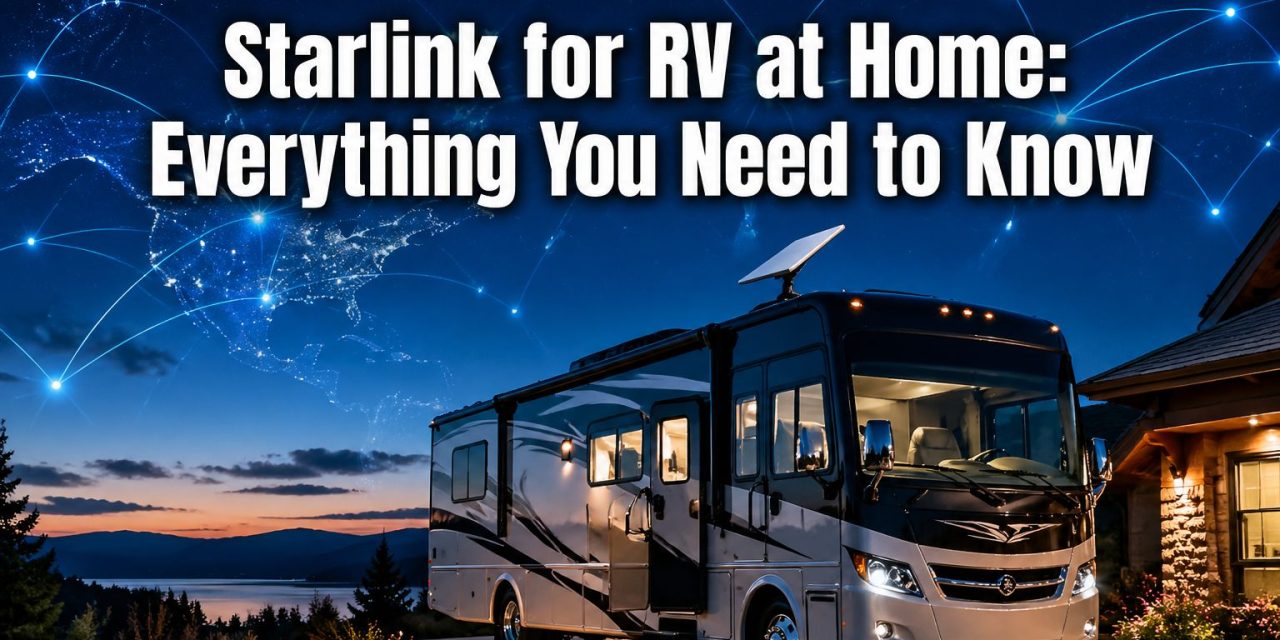
Over 11 million households in the U.S. now use satellite internet — and a growing number of those are RV owners trying to figure out the smartest way to stay connected both on the road and in the driveway. The question “can you use Starlink for RV at home?” comes up constantly in RV communities, and the answer is more nuanced than a simple yes or no.
The short version: yes, you can — but the plan you choose makes all the difference. Whether you’re a full-timer, a weekend warrior, or a seasonal traveler who parks at home for months at a time, understanding Starlink’s plan structure will save you money and frustration. [1]
Key Takeaways 📌
- Residential plans work at home but are locked to a fixed address — not ideal for RVers who move frequently.
- Roam plans are built for travelers and support in-motion use, making them far more flexible for RV life.
- The Starlink Mini is the most portable and lightweight hardware option for RVers.
- Roam subscribers can pause service month-to-month at no extra cost — perfect for seasonal travelers.
- Choosing the wrong plan could mean paying for service that doesn’t work where you need it most.
Can You Use Starlink for RV at Home? Understanding the Two Main Plans
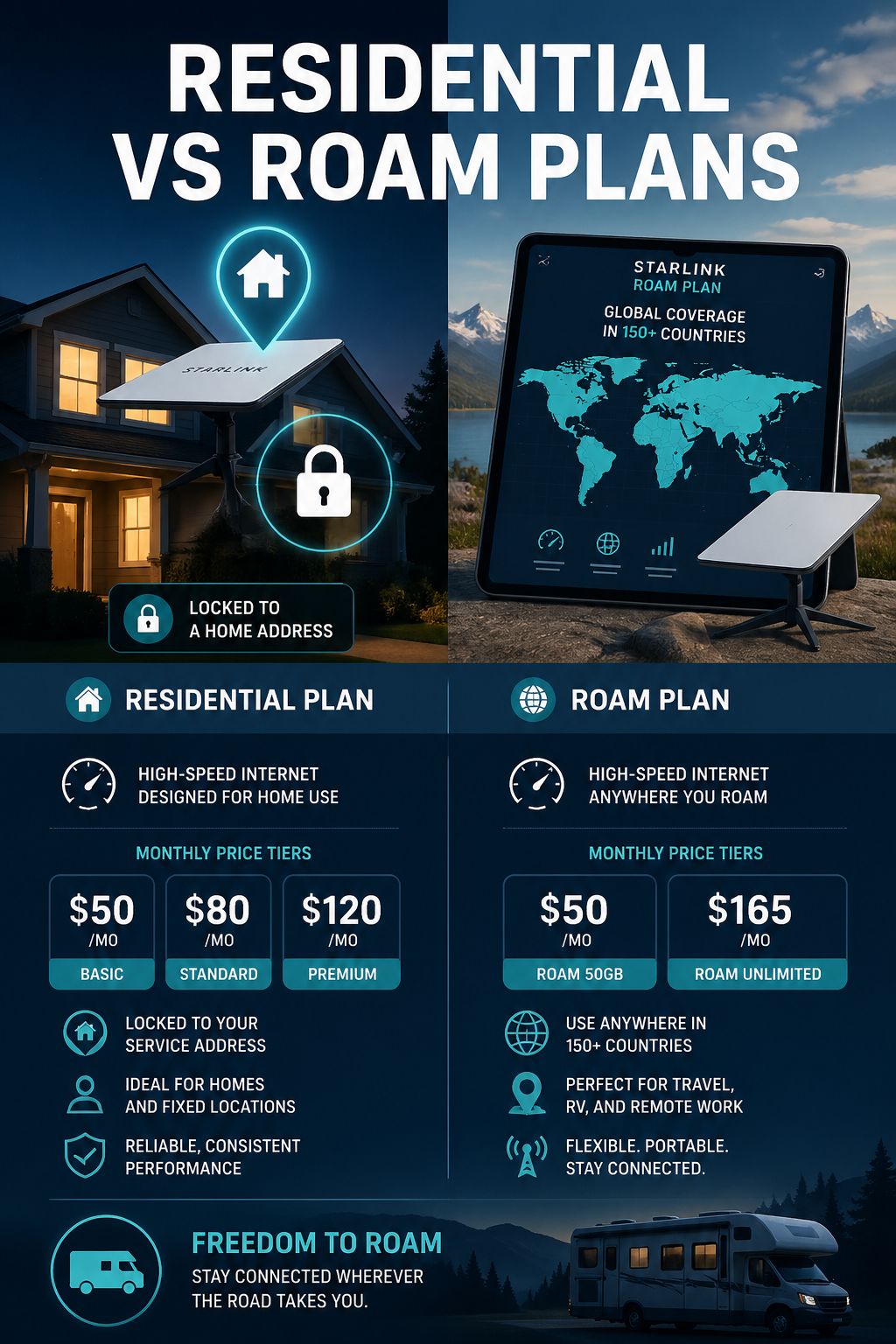
Not all Starlink plans are created equal, and this is where most RV owners get confused. Starlink currently offers two main categories relevant to RVers: Residential and Roam. [1][6]
Starlink Residential: Affordable but Location-Locked 🏠
Residential plans are Starlink’s most affordable option, available at three speed tiers:
| Plan Tier | Speed | Monthly Cost |
|---|---|---|
| Standard | ~100 Mbps | $50/month |
| Standard Plus | ~200 Mbps | $80/month |
| Max | Priority speeds | $120/month |
Here’s the catch for RV owners: Residential service is tied to a registered service address. If an RV is parked at that home address, the dish will work just fine. But the moment the RV moves away from that registered location, service becomes unreliable or stops altogether. [6]
Residential plans also do not support in-motion use — so driving down the highway with a Residential dish active isn’t supported or recommended. [6]
💡 Pull Quote: “A Residential plan works great in your driveway, but the moment you pull out of the neighborhood, you’re on your own.”
Additionally, Residential plans often have long waitlists in certain areas, and Starlink doesn’t make it easy to frequently change your registered service address. It’s a plan designed for people who stay put. [1]
Bottom line for RVers: If the RV lives at home 90% of the time and only moves occasionally, a Residential plan could work. But for anyone who travels regularly, it’s the wrong tool for the job.
Starlink Roam: Built for Life on the Road 🚐
Roam plans are specifically designed for travelers, and they answer the question “can you use Starlink for RV at home?” with a resounding yes — plus they work everywhere else too.
Here’s what makes Roam stand out:
- ✅ In-motion use supported at speeds up to 100 MPH — no extra charge
- ✅ Works at home, at campgrounds, and across 150+ countries and territories [5]
- ✅ Month-to-month pause feature with no cancellation fees [1]
- ✅ No fixed service address required
Roam plan pricing:
| Plan | Data | Monthly Cost |
|---|---|---|
| Roam 100GB | 100 GB | $50/month |
| Roam Unlimited | Unlimited | $165/month |
The pause feature is a game-changer for seasonal RVers. If the rig sits in storage for the winter, simply pause the plan and resume when the travel season kicks back off. No penalties, no hassle. [1]
💡 Pull Quote: “Roam gives RV owners the freedom to use Starlink at home, on the highway, and in the mountains — all under one plan.”
Can You Use Starlink for RV at Home? Choosing the Right Hardware
The plan is only half the equation. The hardware matters too, especially for RVers who set up and break down at every stop.
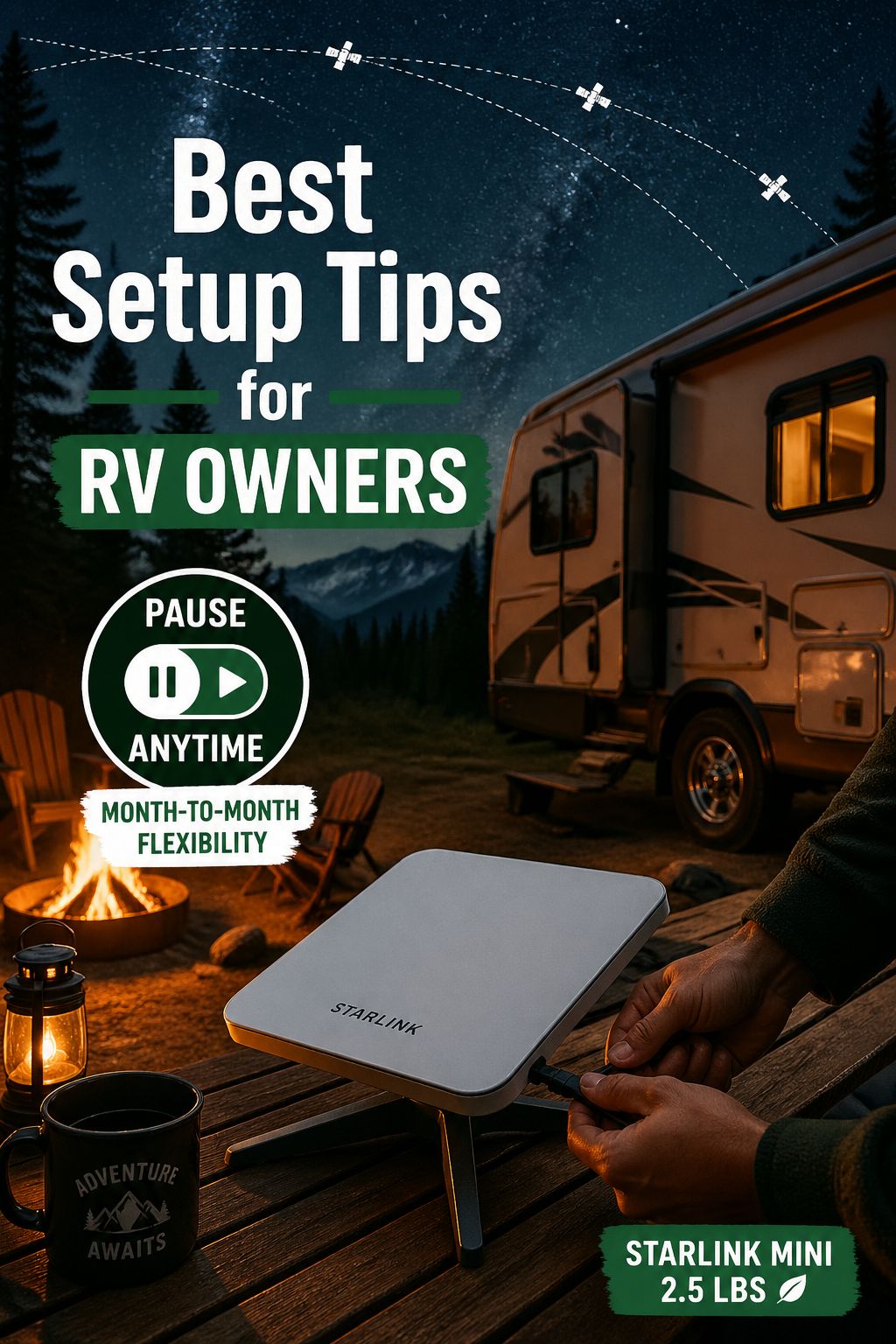
Starlink Mini: The RV Owner’s Best Friend 🌟
For RVers, the Starlink Mini is the standout hardware choice. Here’s why:
- Weight: Only 2.5 pounds — easy to carry and store
- Built-in WiFi 6 for fast, reliable in-rig connectivity
- Low power consumption — friendly to solar and battery setups
- Hardware cost: $249 [1]
The Mini is compact enough to mount on a roof rack, set on a picnic table, or stow in a storage bay. For RVers who don’t want to wrestle with bulky equipment at every campsite, it’s the clear winner.
Standard Starlink Dish
The standard dish is larger and heavier, but it delivers strong performance for full-timers who spend extended periods at a single location. It’s less convenient for frequent movers but works well for those who stay put for weeks at a time.
Quick Comparison:
| Feature | Starlink Mini | Standard Dish |
|---|---|---|
| Weight | 2.5 lbs | ~9.2 lbs |
| Portability | ⭐⭐⭐⭐⭐ | ⭐⭐⭐ |
| Power Use | Low | Moderate |
| Best For | Frequent movers | Extended stays |
Practical Tips for Using Starlink With Your RV at Home
Whether running a Residential or Roam plan, a few best practices will help get the most out of the setup:
1. Clear Sky View is Non-Negotiable
Starlink dishes need an unobstructed view of the sky. Trees, rooflines, and overhangs can interrupt the signal. Use the Starlink app’s obstruction checker before mounting.
2. Use the Pause Feature Wisely
Roam subscribers should take full advantage of the month-to-month pause. There’s no reason to pay for service during months when the RV isn’t being used. [1]
3. Match the Plan to Your Travel Style
- 🏡 Mostly parked at home with occasional trips? → Residential plan may work, but Roam offers more flexibility.
- 🚐 Weekend warrior or seasonal traveler? → Roam 100GB is a cost-effective choice.
- 🌎 Full-timer or international traveler? → Roam Unlimited is the smart investment.
4. Power Management Matters
The Starlink Mini’s low power draw pairs well with solar setups common in RVs. Standard dishes draw more power, so plan accordingly if running off battery.
5. Stay Updated on Policy Changes
Starlink has updated its plans and policies several times, including changes to in-motion use rules and plan categorizations. Checking the official Starlink site before purchasing ensures the most current information. [3]
Frequently Asked Questions ❓
Can a Residential Starlink dish be used temporarily at an RV park?
Technically, a Residential dish will try to connect, but performance outside the registered service area is inconsistent and not officially supported. Starlink doesn’t guarantee service outside the registered address. [6]
Is Roam worth the higher cost compared to Residential?
For anyone who travels more than a few times per year, yes. The flexibility, in-motion capability, and pause feature make Roam the smarter long-term value for RVers. [1]
Can Starlink be used while the RV is moving?
Yes — but only on Roam plans. In-motion use is supported up to 100 MPH. Residential plans are not designed for moving vehicles. [1][3]
What happens if the Residential plan is used outside the registered address?
Service may be degraded or unavailable. Starlink’s system is designed to deliver Residential service at the registered location only. [6]
Conclusion: The Right Plan Unlocks the Full Starlink Experience 🎯
So, can you use Starlink for RV at home? Absolutely — but the smartest move is choosing the plan that matches the actual lifestyle, not just the home driveway.
Here’s the action plan:
- Assess travel frequency. Mostly stationary? Residential works. Traveling regularly? Go Roam.
- Pick the right hardware. The Starlink Mini is the top pick for most RVers thanks to its portability and low power use.
- Use the pause feature during off-seasons to avoid paying for unused months.
- Check Starlink’s current plan offerings at starlink.com before purchasing — plans and pricing do evolve.
- Test the obstruction checker in the Starlink app at any planned parking spot before committing to a mounting location.
For RV lovers who want reliable, fast internet whether parked at home or deep in a national forest, Starlink Roam delivers a level of connectivity that was unthinkable just a few years ago. The open road just got a whole lot more connected. 🛰️
References
[1] What Rvers Need To Know About Starlink – https://roadtrippers.com/magazine/what-rvers-need-to-know-about-starlink/
[3] Starlink Rv Boat – https://www.rvmobileinternet.com/guides/starlink-rv-boat/
[5] Roam – https://starlink.com/roam
[6] Starlink Internet Review For Rv – https://www.ecoflow.com/us/blog/starlink-internet-review-for-rv
[7] Residential – https://starlink.com/residential