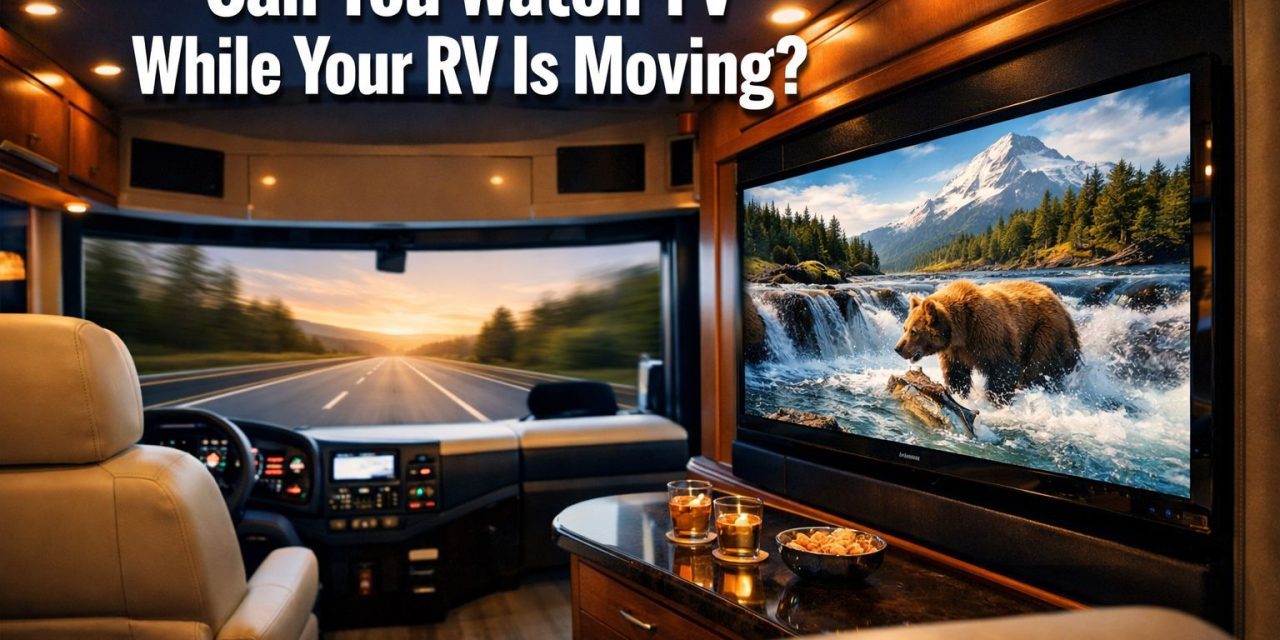
Over 11 million American households now own an RV — and one of the most hotly debated questions in every campground and online forum is whether passengers can actually watch TV while the rig is rolling down the highway. The short answer? Yes, and the options have never been better. Whether you’re curious about streaming, satellite, or the latest broadcast technology, this guide breaks down everything you need to know about how to watch TV while an RV is moving.
Key Takeaways 🎯
- Yes, you can watch TV while an RV is moving — multiple methods make it possible for passengers (not drivers!).
- ATSC 3.0 (NextGen TV) is a game-changing technology that enables live over-the-air TV reception even while driving.
- Streaming via mobile hotspot or satellite internet is one of the most flexible options available.
- Downloading content offline before a trip is the most reliable method for remote areas.
- Safety first — TV viewing while moving is for passengers only; drivers should never be distracted.
The 5 Main Ways to Watch TV While an RV Is Moving
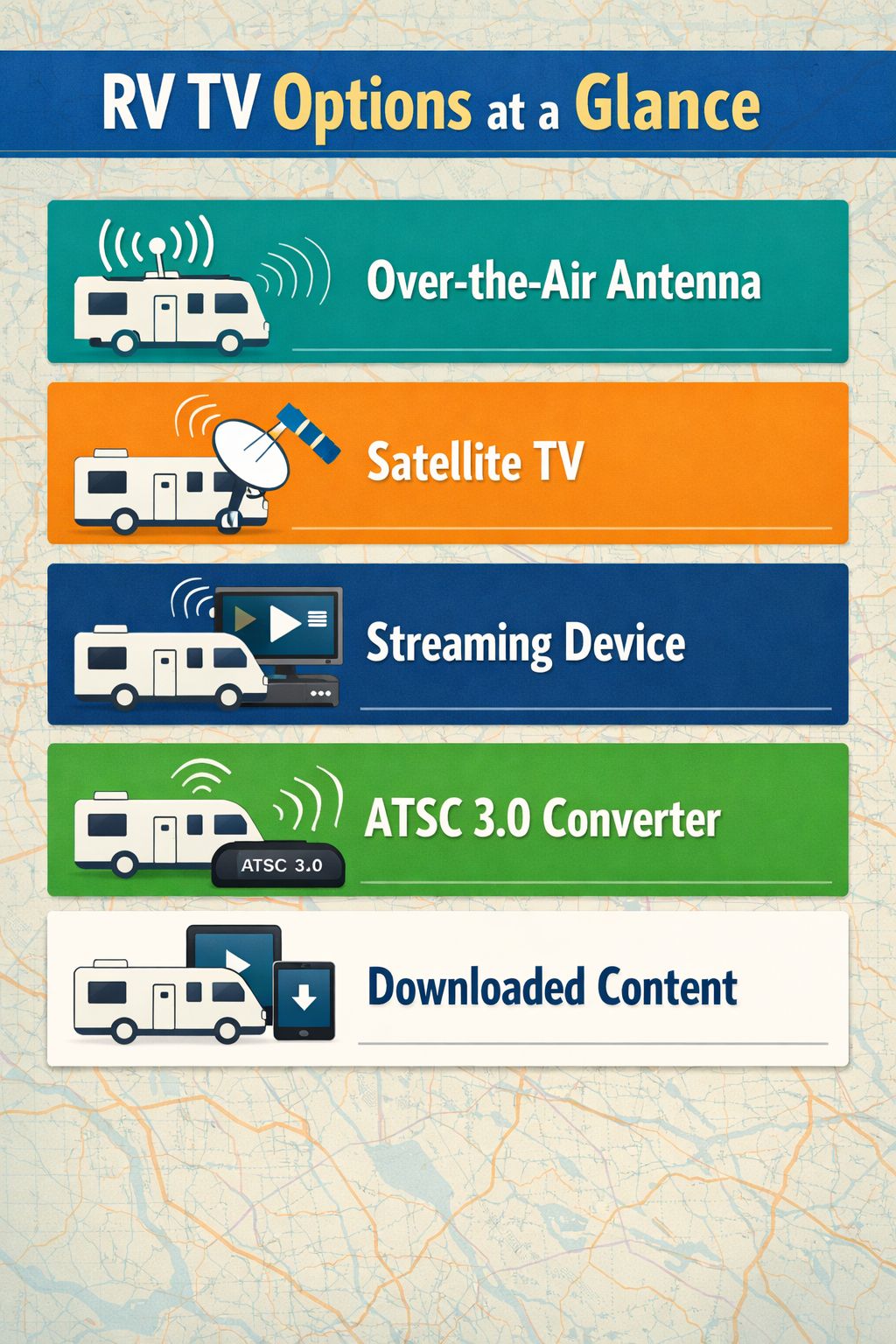
Most RVers have access to five primary methods for watching television on the road [2]. Each has its own strengths, costs, and technical requirements. Here’s a quick comparison:
| Method | Works While Moving? | Internet Required? | Cost Level |
|---|---|---|---|
| Over-the-Air Antenna (ATSC 1.0) | ❌ Limited | No | 💲 Free |
| ATSC 3.0 (NextGen TV) | ✅ Yes | Brief connection only | 💲 Low |
| Streaming (Hotspot/4G/5G) | ✅ Yes | Yes | 💲💲 Medium |
| Satellite TV | ✅ Yes (some systems) | No | 💲💲💲 High |
| Downloaded/Offline Content | ✅ Yes | No | 💲 Low |
1. Over-the-Air Antenna TV
Most modern RVs come with a built-in HDTV antenna right out of the factory [2]. This is the simplest baseline method — no subscription, no internet, no monthly fees. The catch? Traditional over-the-air signals (ATSC 1.0) are notoriously difficult to receive while the vehicle is moving. Signal dropout is a constant frustration.
💡 Pro Tip: An OTA antenna is great at campsites but unreliable on the highway with older technology.
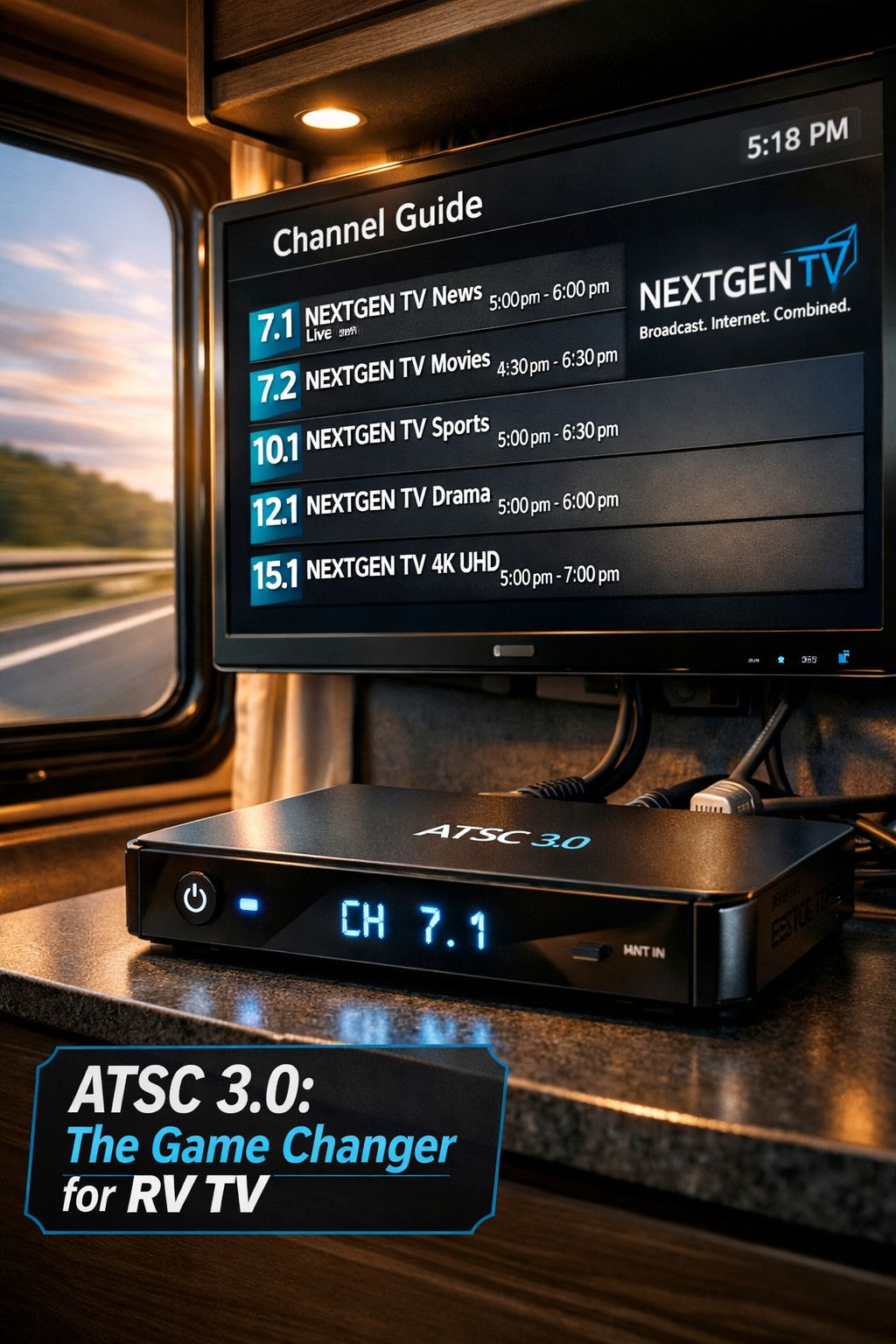
2. ATSC 3.0 — The Game Changer for Moving RVs
Here’s where things get exciting. After roughly 15 years without a reliable solution for live broadcast TV in a moving RV, the ATSC 3.0 standard (also called NextGen TV) has changed everything [1].
Unlike the older standard, ATSC 3.0 is engineered to maintain signal lock even when the receiving antenna is in motion. This means passengers can watch live local news, sports, and network programming while the RV cruises down the interstate [1].
How it works in practice:
- Use an ADTH ATSC 3.0 converter box (an affordable, widely available device) connected to the RV’s existing antenna [1].
- The converter box plugs into any modern flat-screen TV.
- When tuning to a new channel, a brief internet connection (via phone tethering or hotspot) is needed due to copy protection built into the ATSC 3.0 standard [1].
- Once the channel is locked in, continuous internet is not required [1].
Finding compatible channels: When arriving in a new city, simply scan for channels. The on-screen guide will show logos indicating which local stations support NextGen TV and will work while moving [1]. Not every channel in every market is upgraded yet, so availability varies by location.
🔑 Key Insight: “ATSC 3.0 finally gives RVers a way to watch live broadcast TV on the move without burning through their data plan.”
3. Streaming Services via Mobile Hotspot or 4G/5G LTE
Streaming is arguably the most popular method for RV entertainment in motion [3]. Services like Netflix, Hulu, Disney+, and YouTube TV work seamlessly as long as there’s a solid data connection.
Options for connectivity:
- Smartphone hotspot — Quick and easy, but data caps can be a concern on long trips.
- Dedicated 4G/5G LTE router — More reliable with better antenna systems.
- Satellite internet — Systems like Starlink provide enough bandwidth for HD streaming and live TV services, with compact dishes that automatically connect in remote locations [3].
The main limitation is coverage. Rural highways and mountain passes can have dead zones where streaming stutters or stops entirely.
4. Satellite TV Systems
Traditional satellite TV dishes (think Winegard or King) can work while an RV is moving, but only if the dish is a motion-capable, auto-tracking model [3]. These systems are more expensive and require a clear view of the sky. They’re popular with full-timers who want a consistent channel lineup regardless of location.
5. Downloaded/Offline Content
This is the most foolproof method for watching TV while an RV is moving, especially in remote areas [3]. Before hitting the road:
- Download episodes from Netflix, Amazon Prime Video, Disney+, or HBO Max.
- Load up a tablet or laptop with movies from your personal library.
- No internet, no signal, no problem ✅
The obvious downside is that content must be planned ahead, and storage space on devices can be a limiting factor.
Can You Watch TV While an RV Is Moving? Safety and Legal Considerations
This question isn’t just about technology — it’s also about safety and legality. Here’s what every RV owner needs to know:
Who Can Watch?
Passengers: Yes. Drivers: Absolutely not. 🚫
Distracted driving laws apply to RV operators just like any other vehicle. In most U.S. states, a driver cannot legally have a screen in their direct line of sight while the vehicle is in motion [4]. Many RV forum discussions confirm that TV screens on lifts or mounts should be stowed or positioned away from the driver’s view while driving [5].
⚠️ Safety Rule: Always ensure the TV is not visible to the driver. Rear-seat passengers and co-pilots in the cab area are the intended audience while rolling.
TV Mounts and Stability
A TV that isn’t properly secured is a serious hazard in a moving vehicle. Community discussions among RV owners emphasize the importance of locking TV lifts in the down position and using proper mounting brackets rated for travel [5][6]. Always check that the TV is secured before pulling out of a campsite.
Practical Tips for Watching TV While an RV Is Moving
- Use headphones or keep volume reasonable — courtesy for fellow travelers.
- Position screens away from the driver’s sightline at all times.
- Test your setup at a campsite first before relying on it during a long drive.
- Combine methods — use ATSC 3.0 for live channels and downloaded content as a backup.
- Check data usage if streaming — set quality to standard definition to conserve hotspot data on long hauls.
Choosing the Right Setup for Your RV Lifestyle
Not every RVer has the same needs. Here’s a quick guide to matching the right TV method to the right travel style:
| Travel Style | Best Method(s) |
|---|---|
| Weekend campers | OTA antenna + downloaded content |
| Full-timers on highways | ATSC 3.0 + streaming via hotspot |
| Remote/boondocking adventurers | Downloaded content + satellite internet |
| Families with kids | Downloaded content + streaming |
| Sports fans who travel | ATSC 3.0 for live games + satellite TV |
For a deeper dive into all the connectivity options available to RVers, the RV Mobile Internet Resource Center offers extensive guides covering every scenario [7].
Conclusion: Hit the Road Without Missing Your Favorite Shows
So, can you watch TV while an RV is moving? Absolutely — and with more options than ever before. The arrival of ATSC 3.0 technology has solved a long-standing frustration for RVers who want live broadcast TV without draining data. Streaming via satellite internet or mobile hotspot covers everything else, and downloading content offline handles the gaps in coverage.
Here are your actionable next steps:
- ✅ Check if your RV’s existing antenna is compatible with an ATSC 3.0 converter box.
- ✅ Scan for NextGen TV channels in your home city to see what’s available.
- ✅ Set up a mobile hotspot plan with enough data for your typical travel days.
- ✅ Download a batch of shows and movies before every major trip.
- ✅ Verify that all TV mounts and lifts are properly secured before driving.
The open road doesn’t have to mean giving up great entertainment. With the right setup, every mile can come with a great show — for the passengers, of course! 🚐📺
References
[1] Watch – https://www.youtube.com/watch?v=Az1zUVkGm1I [2] Watch – https://www.youtube.com/watch?v=9jp4i77Hli4 [3] How To Watch Tv In Rv – https://ubifi.net/blog/how-to-watch-tv-in-rv/ [4] Television While Moving – https://www.thorforums.com/threads/television-while-moving.440246/ [5] Tv On Lift Can It Be Up And Used While Driving – https://www.irv2.com/threads/tv-on-lift-can-it-be-up-and-used-while-driving.2040152/ [6] Watching Tv While Moving – https://www.jaycoowners.com/threads/watching-tv-while-moving.917855/ [7] Tv Movie Entertainment On The Road – https://www.rvmobileinternet.com/guides/tv-movie-entertainment-on-the-road/